
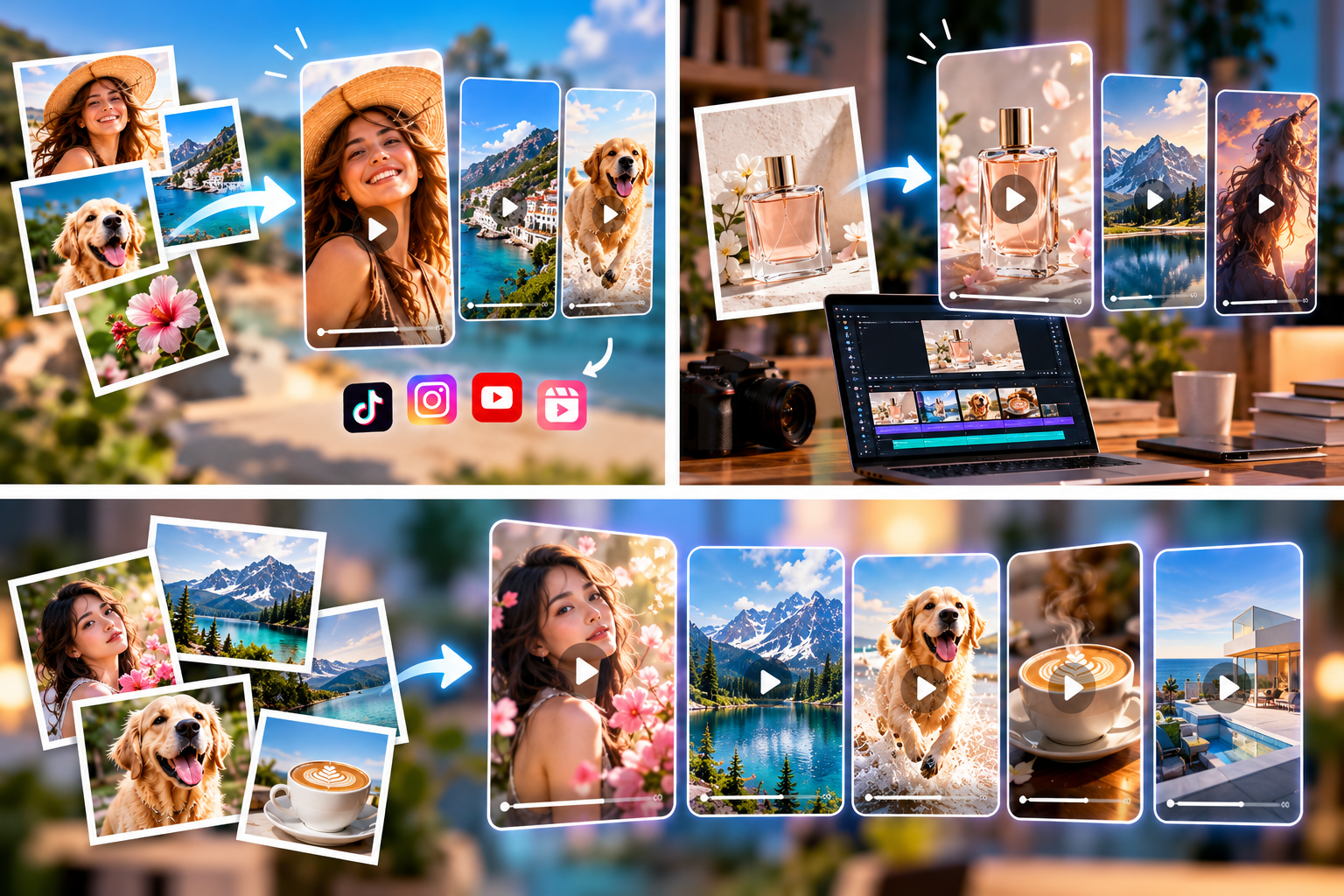
Five tools worth considering, and how to choose between them based on what you do before and after you hit “generate.”
Image-to-video generation has outgrown its novelty phase. For creators, it has become a practical way to get more mileage from assets they already own: portraits, product shots, campaign stills, travel photography and illustrations.
The basic process is the same almost everywhere. You upload an image, describe how the scene should move, pick a format and generate a short clip. What separates one platform from another is everything surrounding that process: camera control, aspect ratios, editing tools, model choice, workflow complexity, and how easily the footage moves into a larger project.
No single tool is right for everyone. A creator making five-second portrait animations needs something different from a filmmaker building cinematic inserts, or a social media manager who wants generation and editing in one workspace. With that in mind, here are five platforms worth a look.
1. Vidou.ai: Prompt-Led Photo Animation Without the Clutter
Vidou.ai suits creators who already have a strong photograph and want to focus on motion rather than learn a complicated editing interface. Its core workflow is simple: upload a source image, describe the movement in natural language, and generate a short animated clip. It also offers text-to-video, text-to-image and image-editing tools, so you can create or refine a source visual before animating it.
Good for: portrait animation, product-image motion, campaign stills, social concepts, travel photography, illustrations and digital art.
The real creative decision is not the upload. It is choosing motion that suits the image. A portrait may call for a slow camera push and subtle hair movement. A landscape can handle drifting clouds or moving water. A product shot often works best with a restrained orbit or a passing highlight.
Vidou’s own prompting guidance reflects this. It encourages creators to describe one clear subject action, add camera movement when it helps, and name any faces, products, logos or backgrounds that should stay stable.
Best fit: projects that begin with a strong still and need controlled movement without manual animation.
Keep in mind: the public site includes a homepage image-to-video experience, while the signed-in workspace runs on credits. What you can access depends on which part of the platform you use.
2. Runway Gen-4.5: Deeper Control for Ambitious Shots
Runway remains one of the more sophisticated options for creators who want real control over generated footage. Its Gen-4.5 model handles both text-to-video and image-to-video. In the image-to-video mode, your image anchors the visual foundation, and the prompt describes motion, camera behavior and how the scene develops.
Image-to-video clips currently run from two to ten seconds, with several aspect ratios available, including vertical, horizontal, square and in-between formats.
Good for: cinematic social sequences, advertising concepts, visual effects experiments, fashion content, narrative shots and creative transitions.
Runway’s guidance makes a point that applies on any platform: because the source image already sets composition, subject, lighting and style, your prompt should concentrate on what changes over time rather than re-describing what is already visible.
Best fit: creators who want more than a basic photo animation and expect to iterate on camera choreography or complex motion.
Keep in mind: more controls and model choices mean more decisions. If you just want one image turned into one clip, the extra depth may be more than you need.
3. Adobe Firefly: Built for Creators Already in the Adobe World
Firefly’s strength is not only that it generates video from images. It is where that footage can go afterward. You upload a source visual, add a prompt, and control camera behavior such as pan, zoom and tilt. Multiple video models are available from one shared interface, and generated assets connect to Adobe’s wider video-editing workflow.
Firefly can also take a second image as an optional end frame, giving you another way to direct where a shot finishes.
Good for: B-roll, product visuals, concept development, presentation footage, social advertising and footage destined for further editing.
Imagine a photographer who animates an approved campaign still, then keeps refining the project in the rest of Adobe’s tools. That continuity is the main appeal.
Best fit: people who already use Premiere, After Effects or other Adobe apps and want generated clips to stay part of a larger production.
Keep in mind: the workspace now offers both Adobe and partner models, so specific capabilities can vary depending on the model you choose.
4. VidPic AI: Simple Animation With Editing Close at Hand
VidPic AI takes a direct approach. Its interface accepts PNG, JPG and WebP uploads, a motion prompt, a five-second duration, and displays 720p and 1080p options. It also includes text-to-video, text-to-image and image-editing tools.
Having editing next to animation is practical, because a still often needs work first. If a product photo has a distracting object in the background, adding motion will not fix the composition. A sounder sequence looks like this:
- Prepare or refine the still.
- Approve the final image.
- Describe the intended motion.
- Generate the video.
- Inspect the result.
VidPic’s public guidance also advises matching motion to the subject: subtle movement for portraits, controlled reveals for products and environmental movement for landscapes.
Best fit: creators who want a straightforward photo-animation workflow and may need to edit or generate the source image first.
Keep in mind: there is a limited free route plus credit-based access. According to its terms, the full toolset and purchased credits require an account.
5. Canva Image to Video: Convenient for Everyday Social Design
Canva’s approach is different because the feature lives inside a full design environment. Image to Video turns an uploaded image into a five-second animated clip. Smart mode applies motion automatically, while Custom mode lets you describe the movement you want. The result lands directly in the Canva editor.
That saves a step if your next moves involve adding text, applying brand colors, inserting logos, arranging layouts or building presentation content. You do not need to generate a clip in one tool, download it and import it somewhere else.
Good for: social teams and creators who need simple photo animation as one component of a larger branded piece.
Keep in mind: Canva describes Image to Video as a premium feature. Its help documentation also notes limitations with transparent images and face animation, so it is a weaker choice when detailed facial motion is the main requirement.
At a Glance
| Tool | Strongest for | Main trade-off |
|---|---|---|
| Vidou.ai | Focused, prompt-led photo animation | Access varies between public site and credit-based workspace |
| Runway Gen-4.5 | Camera control and complex motion | More options to manage |
| Adobe Firefly | Continuing into Adobe editing | Features depend on the selected model |
| VidPic AI | Direct animation plus image editing | Fixed five-second clips; account needed for full tools |
| Canva Image to Video | Branded social content in one place | Premium feature; limited face animation |
How to Choose
Skip the question of which platform has the longest feature list. Ask instead what happens immediately before and after generation.
- You already have the image and mainly need motion: choose a focused generator.
- Camera direction and iteration matter: choose a more advanced generative platform.
- The clip becomes part of a branded social post: choose a design ecosystem.
- The footage is one shot in a larger production: choose an editing-centered ecosystem.
Your source material matters as much as the software. Clean portraits, clearly defined products, landscapes with room for environmental movement and well-composed illustrations all give these tools a stronger starting point.
Final Thoughts
Image-to-video works best when it extends your existing creative work rather than trying to replace the rest of production. A strong photograph can become a hook. A product image can become a short reveal. An illustration can gain depth and atmosphere. A campaign still can become a fresh social asset months after the original shoot.
The best tool in 2026 is the one that fits your real workflow. Vidou and VidPic offer accessible, prompt-led routes. Runway provides deeper generative control. Firefly slots naturally into professional production, and Canva makes animation convenient inside everyday social design.
The technology keeps getting easier to use. What increasingly sets creators apart is what they choose to do with it.

I’m Muhammad Ubaid, founder of YBR Magazine. I research and write detailed guides on America’s National Parks — covering entry fees, permits, best times to visit, and planning tips — using official NPS sources and up-to-date information.