


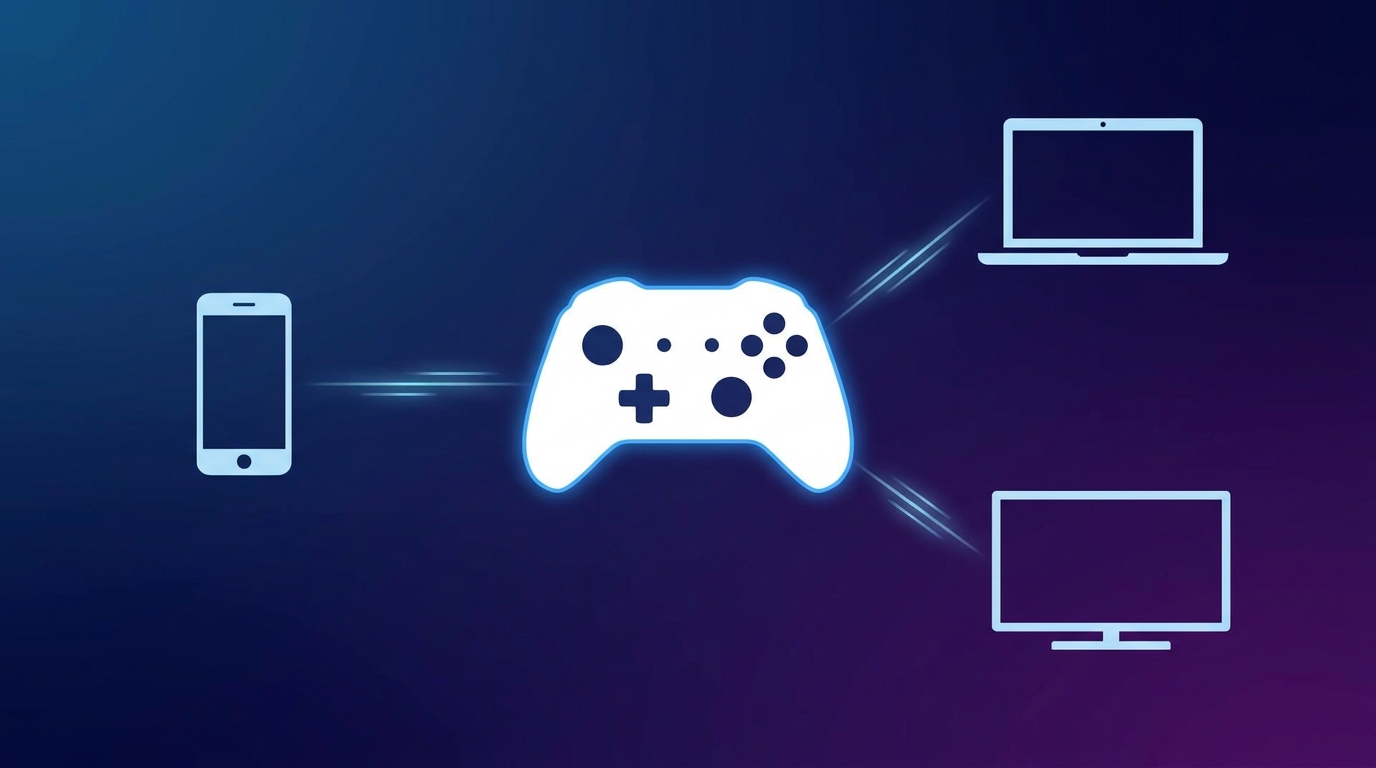
Anyone who types connector hssgamepad into a search bar is usually trying to answer one of two questions: is there a real product behind the name, or how do I get a gamepad with this label to work with my phone, PC, or TV? Both questions deserve a plain answer, because many of the pages that rank for this phrase repeat each other and describe features that nobody has verified. This guide separates what is publicly confirmed from what is only claimed, and then walks through setup and troubleshooting steps that work for generic controllers in general.
Quick Facts
| Item | What the research shows |
|---|---|
| Type of term | A search phrase used mostly by gaming and tech blogs, not a verified brand name |
| Confirmed manufacturer | None publicly identified |
| Official driver or firmware portal | Not independently verified |
| Commonly claimed connection modes | Bluetooth, wired USB, and a 2.4 GHz wireless dongle |
| Commonly claimed platforms | Android, Windows, iPhone and iPad, smart TVs |
| Console support | Not guaranteed; depends on the exact controller model |
| Best first step | Read the model number and maker printed on the back of your controller |
What Connector HSSGamepad Means in Practice

Across the pages that currently rank, the phrase is described as a bridge between a controller and a device, but the descriptions do not agree on what that bridge actually is. Some pages call it a software utility, some describe a hardware adapter with several ports, and others use it as a loose label for the way a controller pairs by cable, Bluetooth, or wireless receiver. One guide even claims that the connector processes signals with latency below one millisecond, yet no datasheet, test result, or manufacturer statement backs that figure up, so it is best read as marketing language rather than a measured fact.
In everyday terms, people who search this phrase simply want to know which cable, receiver, or pairing method links their gamepad to a device, and whether it will behave well once it is connected. That is a reasonable thing to ask, and it can be answered without relying on any single unverified website, because the basic rules of controller pairing are the same for almost every Bluetooth, USB, and dongle-based gamepad.
What Is Confirmed and What Is Not
According to a report on Quikconsole, the HSSGamepad name began appearing across a cluster of websites around mid-2025, with no press release, product keynote, or manufacturer stepping forward to claim it. A later note from Soul News, dated July 16, 2026, states that no verified manufacturer announcement, official firmware release, signed driver package, or recognized changelog had been found, and it points out that newly published blog posts are not evidence of new hardware or software development.
The sources also contradict each other about the website tied to the connector hssgamepad name. One review on Flash Flyer Magazine describes hssgamepad.com as a blog with no price list, no product photos, and no buy button, and concludes that the product may be misleading. A separate guide on Havaltech instead tells readers to open the same site, go to a support section, and download drivers and firmware. This article could not confirm that such a download page exists or is safe, so it is wiser to treat both claims with caution until a maker and model are clearly identified.
Specifications are another weak spot. A guide on Playxarena lists Bluetooth 5.0, USB-C, and a 2.4 GHz dongle for the controllers sold under this name, but the same guide admits that they come from various brands and model numbers with no single manufacturer behind them. Another guide, on Hairrexa, says plainly that it will not invent a price, rating, or user quote because no official specification page exists. Taken together, the sensible conclusion is that features can differ from one batch of controllers to the next.
Connection Modes Generic Gamepads Usually Offer
Whatever a connector hssgamepad guide claims, most budget gamepads sold on online marketplaces offer some mix of three connection modes, and the right one depends on what you are connecting to. The table below summarizes the general trade-offs, and your own controller’s manual should always decide which modes are really available.
| Mode | Best suited for | Things to watch |
|---|---|---|
| Bluetooth | Phones, tablets, laptops, and some TVs | Pairing can drop if the controller is in the wrong mode or the battery is low |
| 2.4 GHz dongle | PCs and laptops where a steady link matters | The dongle must match the controller, and a crowded USB hub can cause trouble |
| Wired USB | Long sessions, troubleshooting, and firmware updates | The cable must support data and not only charging |
How to Connect an HSSGamepad Step by Step
Because there is no official HSSGamepad manual, the steps below follow general platform guidance that applies to most Bluetooth and USB controllers. If your controller came with its own instructions, those take priority, since button combinations for pairing mode differ between models.
Android phones and tablets
Switch the controller into Bluetooth pairing mode, which usually means holding a dedicated button or a button combination until the lights flash. Then open the Bluetooth settings on the phone, wait for the controller to appear in the list of nearby devices, and select it. Once it shows as connected, open a game that supports external controllers and check that the sticks and buttons respond.
Windows PCs
For Bluetooth, open Windows Settings, go to the Bluetooth and devices page, choose to add a device, and pick the controller after putting it in pairing mode. For a dongle, plug the receiver into a USB port and set the controller to the matching wireless mode, and for a cable connection simply plug it in and let Windows detect it. Microsoft publishes its own help pages for pairing Bluetooth devices and fixing connections that fail to pair or disconnect, which are worth checking if the controller never shows up.
iPhone and iPad
Apple’s support guidance says to press and hold the appropriate button or buttons on the controller to enter pairing mode and to check the controller’s documentation for the exact method. On iOS 16 or iPadOS 16 and later, a connected controller can be customized under Settings, General, Game Controller, although Apple adds that support for specific buttons and extras varies by controller and by app.
Smart TVs and consoles
Many smart TVs accept Bluetooth gamepads through their remote and accessory settings, but support depends on the TV brand and the games installed. Consoles are stricter, and the Tech Chick guide notes that many third-party controllers do not work with PlayStation, Xbox, or Nintendo Switch unless they are licensed or designed for that console, so the product listing should be checked carefully before buying.
Fixing Connection Problems
Most connection failures come down to a short list of causes: the controller is in the wrong mode, the battery is low, an old pairing is confusing the device, or the game simply does not support external controllers. Start by charging the controller fully, then remove it from the device’s Bluetooth list, restart both devices, and pair again from scratch. Apple’s own support page recommends the same approach, along with installing the latest software updates on the device and controller, and it notes that pairing again can also help when wireless interference is the cause.
If the controller still refuses to behave, try a different connection mode, a different USB port, or a different cable, because a charge-only cable is a surprisingly common culprit. Many controllers also have a tiny reset hole or a reset button combination described in the manual, which clears stored pairings. Keep other Bluetooth devices, Wi-Fi routers, and USB 3 hubs a little farther from the receiver if the signal stutters, since these can crowd the same frequency band.
Is Connector HSSGamepad Safe to Buy or Download?
A generic gamepad bought from a reputable marketplace seller is an ordinary purchase, and the real risk lies in what you are asked to install afterward. Before buying, look for a listed model number, a named maker, an honest return policy, and reviews that describe actual use rather than copied feature lists. Before downloading any driver, companion app, or firmware tool, confirm that it comes from the maker named on your controller or its packaging, and avoid installers from unfamiliar sites, because a controller rarely needs more than the drivers Windows, Android, or iOS already provide.
Frequently Asked Questions
Can I use two controllers on the same device?
It depends on the device. Apple says Apple TV 4K and Apple TV HD can handle up to four Bluetooth controllers at once, while the limit on other Apple devices varies with your setup and wireless environment. Windows and Android behavior depends on the model and the game.
Why does my phone see the controller but the game ignores it?
The game itself may not support external controllers, or the controller may be using an input mode the game does not expect. Some controllers offer alternate modes that are switched with a button combination, so check the manual and try the other mode.
Is the connector hssgamepad topic linked to HearthStats?
Some pages describe a desktop tool that maps controller inputs to HearthStats match logging. A review of those claims notes that no public repository appears among the documented projects of the historical HearthStats GitHub organization, and there is no reliable evidence of official Blizzard support, so the link remains unconfirmed.
Should I update the firmware?
Only if the maker of your exact model provides an update. One guide advises using a wired connection for firmware updates because it is more stable, which is sensible advice for any controller, but never install firmware from a source you cannot trace to a real manufacturer.
Why does my controller disconnect after a few minutes?
Many controllers have an automatic sleep timer, and phones or laptops may switch off Bluetooth devices to save power. Check the battery level first, then look at the power-saving settings on the device and the sleep behavior described in the controller manual.
Can it be used for cloud gaming or emulators?
Some guides mention services such as GeForce NOW and Xbox Cloud Gaming and Android emulators. Whether it works depends on whether the device recognizes the controller as a standard gamepad, which is easy to test in the device’s controller settings before you start a game.
Conclusion
The connector hssgamepad topic is mostly a story about unclear naming: the phrase is popular online, but no verified manufacturer, driver portal, or official specification sheet stands behind it. The useful takeaway is practical rather than technical, which is to identify the exact model of your controller, follow the pairing steps for your platform, and be careful with anything you are asked to download. With those habits, almost any Bluetooth, dongle, or USB gamepad can be connected and kept working reliably.
Disclaimer
This article is for general information only. HSSGamepad is not a verified product or brand, and details such as features, compatibility, and download sources could not be independently confirmed. Always follow the manual and support pages of your own controller’s manufacturer, and download software only from sources you can trust. The author is not affiliated with any gamepad maker or website mentioned.
Explore More
5starsstocks.com Income Stocks: What the Site Offers and How to Judge Dividend Ideas in 2026

I’m Muhammad Ubaid, founder of YBR Magazine. I research and write detailed guides on America’s National Parks — covering entry fees, permits, best times to visit, and planning tips — using official NPS sources and up-to-date information.

