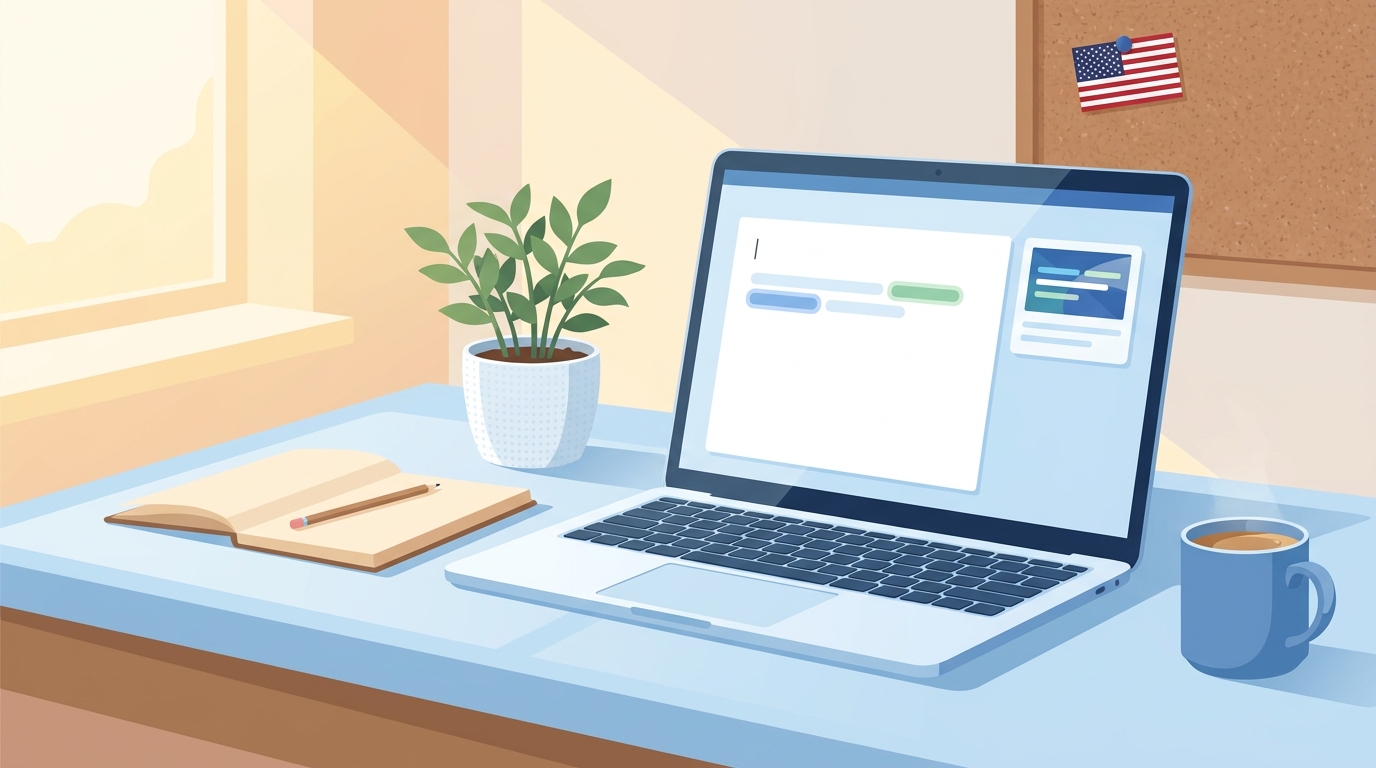
People who search for “GrammarVista.com USA” usually want quick answers to a few practical questions. They want to know what the website is, whether it works only for people in the United States, whether it costs money, and whether it is safe to paste their writing into it. This guide answers each of those questions in a clear and balanced way, and it also covers the things many short articles skip, such as the tool’s limits, how it compares with bigger writing platforms, and how to test it yourself before you trust it with important work.
What Is GrammarVista.com USA?
GrammarVista.com is an English grammar and writing website. Based on what the site publicly describes, it combines a browser-based writing checker with learning material such as grammar lessons, vocabulary help, practice questions, and explanations of common mistakes. The words “USA” in the search phrase do not point to a separate product. They simply describe the way the site is used and found by American readers, because the checker treats American English as its default style.
That default matters more than it may seem. American and British English differ in spelling, punctuation habits, and even the way dates are written, so a tool that assumes the wrong style can flag correct words as mistakes. According to the site’s own description, GrammarVista recognizes both styles, which means a writer who uses “colour” or “centre” is not automatically treated as wrong, although American spellings such as “color” and “center” are the starting point.
Is GrammarVista.com USA a Separate Website for the United States?
No. There is no sign of a different, U.S.-only version of the site. The phrase “GrammarVista.com USA” is a search habit rather than a brand name. Many people add a country name to a keyword when they want results that suit their region, and in this case it mostly tells you that the content leans toward American English. A student in Texas, a freelancer in Karachi, and a small-business owner in Toronto can all open the same site and use the same checker.
Who Runs It and How Transparent Is It?
The site publicly names Rizwan Aslam as its editor and says he writes and reviews the lessons, rules, examples, and practice questions. It also points readers to pages such as About, Editorial Policy, Privacy Policy, Terms, and Contact. These are the pages a careful reader should look for on any small educational website, because they show who is responsible for the content and how to reach them.
It is fair to add one caution here. Naming an editor is a good transparency signal, but it is not the same as publishing full company or ownership details. If you plan to use the site for something sensitive, such as a business workflow, it is reasonable to read the policy pages yourself and decide whether the level of information is enough for your needs.
Is GrammarVista.com Free?
The core grammar checker is described as free to use, with no account and no email signup required, and no daily usage cap is stated on the pages that describe it. For occasional proofreading this is a real advantage, because many popular writing tools ask users to create an account almost immediately or reserve their best suggestions for paid plans.
Because pricing and features on any website can change, the safest habit is to check the current site before you rely on a free-access claim. A review written months ago, including this one, can only describe what was publicly stated at the time.
Key Features and Technical Limits
The site describes its checker as covering 134 grammar and usage rule groups, a spelling dictionary of about 276,700 words, and 44 patterns for wordy or weak phrasing. It can offer up to three alternative corrections where that makes sense, and it explains why a change is suggested rather than simply replacing the text. The extra tools include a word counter that shows words, characters, sentences, and estimated reading time, along with a readability tool, a word-lookup feature, and a set of grammar lessons and practice exercises.
The most important limit is the text size. The checker accepts up to 8,000 characters per check, which is roughly 1,200 to 1,500 words depending on the writing. That is plenty for an email, a cover letter, a product description, a blog section, or a school paragraph. A long report, a manual, or a full essay would need to be split into smaller parts and checked one section at a time.
How the Privacy Claims Work

GrammarVista states that its main checker and dictionary run inside your browser, so the text you enter is not uploaded, stored, or logged on its servers. It also explains that its word-lookup feature is an exception, because a single word may be sent to an outside dictionary service. If this description is accurate, it is a meaningful benefit for people who dislike sending their drafts to a remote server, and it is also the reason the checker can keep working offline once the page and dictionary have loaded.
Even so, a privacy claim is a statement by the website, not a guarantee you have personally tested. A sensible rule is to avoid pasting highly sensitive material into any free online tool. That includes passwords, private customer data, confidential financial details, legal strategy, and trade secrets. Your own workplace policy should always come first.
How to Use GrammarVista.com Step by Step
Using the checker is simple, and a few habits will help you get better results from it. Start by finishing your draft so that your meaning is clear before you worry about polish, because a grammar tool can fix sentences but it cannot rescue an unclear idea. Next, paste the text into the checker, keeping it under the 8,000-character limit, and choose the type of check you want, such as a full review, grammar only, spelling, or clarity.
Then read every suggestion before accepting it. This step is the one people skip most often, and it is the one that matters most. A suggestion may be technically correct but still change your tone, your meaning, or a technical term that your industry uses on purpose. Finally, double-check names, dates, prices, links, and numbers by hand, since no grammar checker can confirm that a figure is true.
Who Benefits Most From GrammarVista.com USA

Students can use it as a quick second pair of eyes on essays and assignments, especially because the explanations help them understand the rule behind a correction instead of just copying a fix. Freelancers and small-business owners who do not have an editor can use it for emails, proposals, product descriptions, and website text. People learning English as a second language may find the lessons and practice questions useful for common trouble spots such as articles, prepositions, verb forms, and subject-verb agreement.
Bloggers and content writers can also use it as a first-pass cleanup tool before publishing. It is most helpful when it is treated as a coach that points out possible problems, not as an authority that decides what is right.
How GrammarVista Compares With Larger Writing Tools
Large platforms such as Grammarly, LanguageTool, and Microsoft Editor generally offer more than a browser-based checker. They tend to include browser extensions, desktop or Word integrations, team style guides, administrator controls, and in some cases advanced rewriting features, and many of those extras sit behind paid plans. GrammarVista’s public pages focus mainly on a free web checker with learning resources, and they do not prominently advertise browser extensions, Microsoft Word add-ins, or team management.
This difference leads to a simple way to choose. If you want fast, free, no-signup proofreading with explanations, GrammarVista is a reasonable thing to try. If you need writing help inside Gmail, Outlook, or Word, shared company terminology, usage reports, or formal data agreements, a larger platform is likely to fit better. Many people sensibly use two tools together, and they are not forced to pick only one.
What GrammarVista Cannot Do
Every automated grammar checker has blind spots, and GrammarVista is no exception. It cannot judge whether your facts are right, whether a contract clause is legally safe, or whether a financial number is correct. It may miss errors that depend on context, and it may flag creative or informal writing that is intentionally unconventional, such as marketing slogans or dialogue in a story.
The site’s pages do not prominently advertise a plagiarism checker or an AI-content detector, so anyone who needs those features should look elsewhere. For high-stakes documents such as legal agreements, medical information, tax filings, or safety instructions, a qualified human reviewer is still the right final step.
A Simple Way to Test the Tool Yourself
Instead of relying only on what any review says, you can run a short test in about ten minutes. Paste a paragraph that contains mistakes you already know about, such as a missing comma, a wrong verb form, and a commonly confused pair like “their” and “there,” and see how many the tool catches. Then paste a clean paragraph and see whether it raises false alarms. Finally, try a sentence written in British spelling and one in American spelling to confirm how it handles both styles.
This small experiment tells you more about the tool’s real accuracy for your type of writing than any general claim can. If it catches the errors you care about and explains them clearly, it earns a place in your routine. If it misses too much, you have lost very little time.
Tips for Writing Better American English
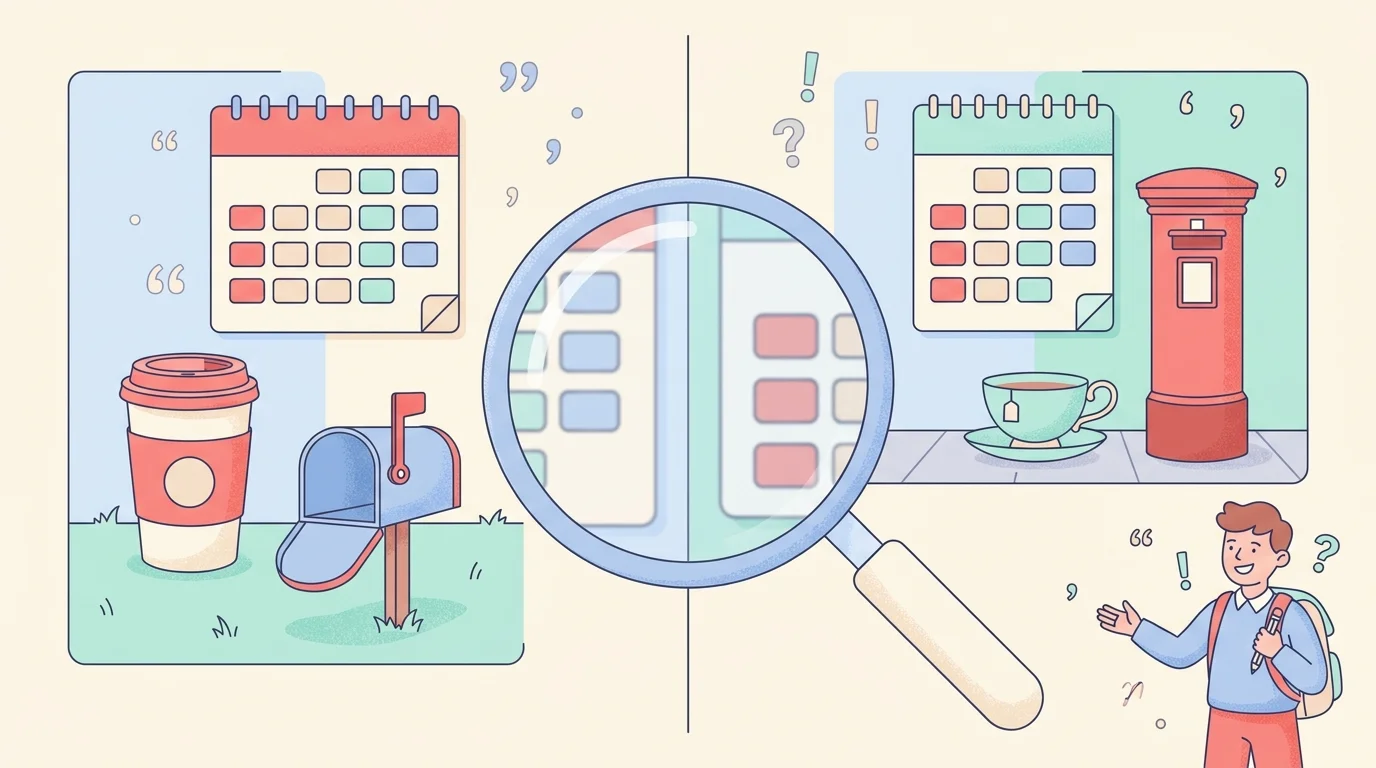
A grammar tool works best when you also understand a few habits of American writing. Americans usually write dates as month, day, year, such as October 14, 2026, which avoids the confusion of numeric dates like 03/04/2026 that can mean March 4 or April 3 depending on the country. American English also prefers “-ize” endings in many words, uses “color” and “center,” and places periods and commas inside closing quotation marks.
Consistency matters more than perfection. Pick one style for each document and stay with it, because a page that mixes “color” and “colour” looks careless even when each word is valid on its own.
Final Verdict
GrammarVista.com USA looks like a practical and approachable option for people who want free, no-account grammar checking with clear explanations and American English as the default. Its strengths are simplicity, learning support, and a browser-based approach that its owners describe as private. Its weaknesses are the 8,000-character limit, the lack of heavy team and integration features, and the fact that no automated checker can replace fact-checking or expert review.
Treat it as a helpful first pass, test it with your own writing, verify anything important by hand, and you will get the most out of it without depending on it too much.
Frequently Asked Questions
Is GrammarVista.com USA only for people in the United States?
No. The word “USA” mainly reflects the American English focus, and anyone can use the site from any country.
Do I need to create an account?
The core checker is described as available without an account or email signup.
How much text can I check at one time?
The stated limit is 8,000 characters per check, so longer documents should be divided into sections.
Does it work on a phone?
It is a web-based tool, so it can be opened in a mobile browser without installing an app, although the experience can vary by device.
Can it replace a human editor?
No. It is useful for catching common grammar, spelling, and wording issues, but it cannot verify facts, judge tone perfectly, or replace professional review.
Does it check for plagiarism or detect AI writing?
Those features are not prominently advertised on its public tool pages, so you would need a separate tool for them.
Is my text private?
The site says the main checker runs in your browser and does not store your text, but you should still avoid entering sensitive or confidential information into any free online tool.
Disclaimer
This article is for general information and educational purposes only. Details about GrammarVista.com, including features, limits, pricing, and privacy practices, are based on information the website has publicly stated and may change at any time without notice. We are not affiliated with, sponsored by, or endorsed by GrammarVista.com, and this article is not a guarantee of the accuracy, safety, or performance of any website or tool. Always visit the official website to confirm current details, read its policies yourself, and avoid sharing sensitive or confidential information with online tools. Automated grammar checkers do not replace professional editing, fact-checking, or legal, financial, or other expert advice.
Explore More
Domikyo.com: What This Website Is, What It Publishes, and How to Read It Wisely

I’m Muhammad Ubaid, founder of YBR Magazine. I research and write detailed guides on America’s National Parks — covering entry fees, permits, best times to visit, and planning tips — using official NPS sources and up-to-date information.