

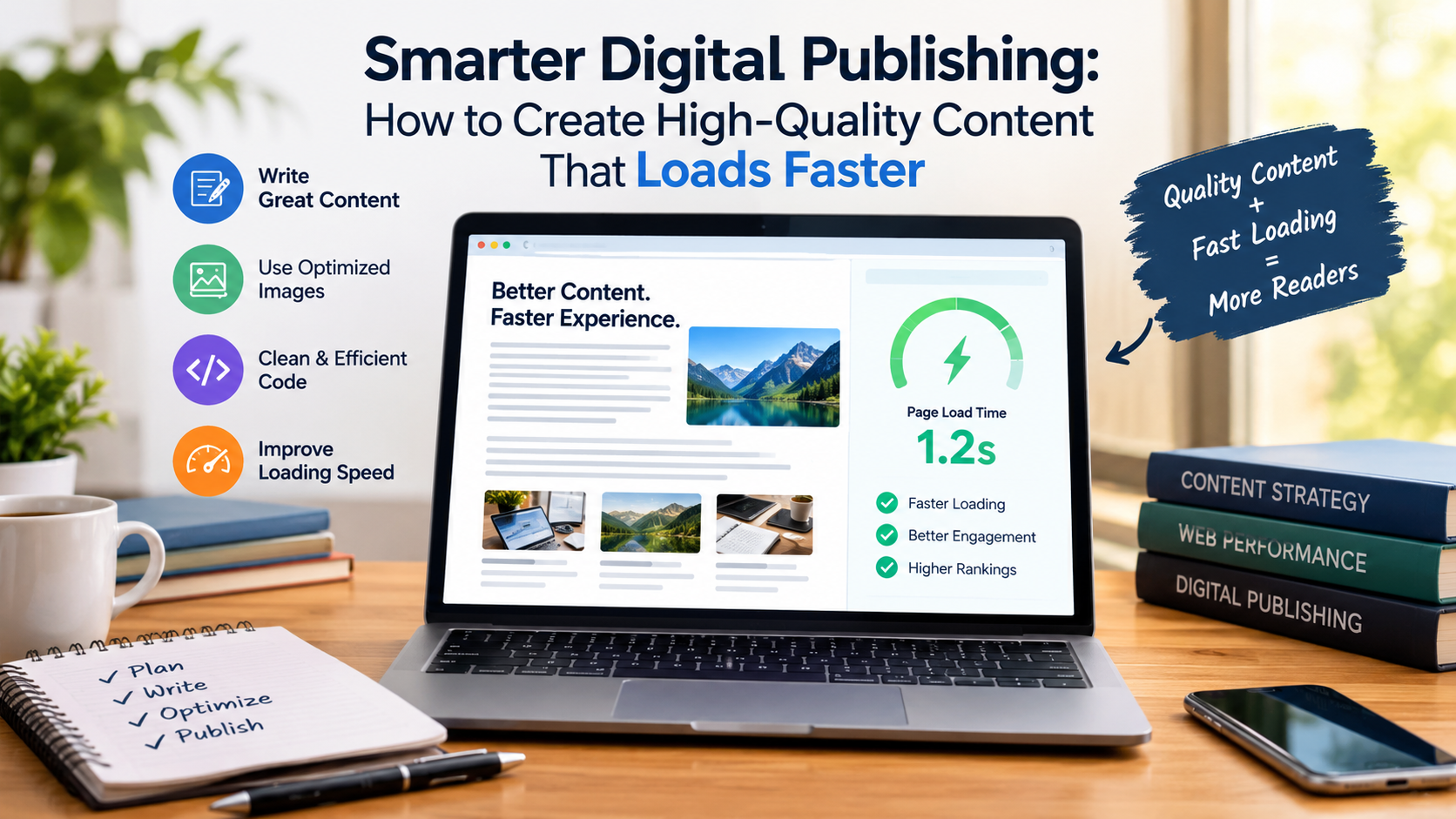
In a world where people consume news, lifestyle features, entertainment, and practical advice online every day, the quality of digital content matters more than ever. Readers expect articles to be informative, visually appealing, and easy to access, whether they are browsing on a laptop during lunch or catching up on their phones while commuting. For publishers and content creators, meeting those expectations means paying attention to more than just the words on the page.
Images play a particularly important role. A compelling photograph can draw readers into a story, make a feature more memorable, and communicate ideas that might otherwise take several paragraphs to explain. However, large image files can slow down websites, create upload problems, and make pages less enjoyable to browse. Finding the right balance between visual quality and file size is an essential part of creating a better online reading experience.
One practical solution is to use a JPG compressor when preparing photographs for articles, digital magazines, newsletters, or social media posts. Reducing image file sizes can make content easier to publish and share while helping preserve the visual details that readers expect from professional digital media.
Why Images Matter in Modern Digital Publishing
A strong article needs more than a catchy headline and well-written paragraphs. Readers are naturally drawn to content that looks inviting, and carefully selected images can make a significant difference.
Consider an online magazine publishing a feature about travel destinations. Beautiful landscape photography helps readers imagine the places being discussed. A lifestyle article benefits from relevant photographs that reinforce its message, while a technology feature might use screenshots, product images, or illustrations to explain complicated ideas.
Images also help break up long blocks of text. When readers encounter clear subheadings, short paragraphs, and relevant visuals, they can navigate an article more comfortably.
Yet there is a technical consideration behind every image: file size.
A collection of high-resolution photographs may look excellent, but uploading several large files to a single page can increase loading times. This becomes particularly noticeable on mobile devices or slower internet connections.
The goal is not to eliminate visual detail. It is to deliver attractive images efficiently.
Understanding Image Compression
Image compression reduces the amount of data required to store or display an image. Depending on the method used, it can significantly decrease file size without creating an obvious difference in appearance.
For digital publishers, this is particularly useful when preparing photographs for websites, online articles, promotional graphics, and email newsletters.
There are two main approaches to compression.
Lossy compression reduces file size by discarding some image information. It can be very effective for photographs, although excessive compression may introduce visible artifacts, soften details, or make edges appear distorted.
Lossless compression reduces file size without permanently removing image information. The results depend on the image and format, and the reduction may be less substantial than with lossy methods.
Neither approach is automatically the best choice for every situation. A large editorial photograph may benefit from careful lossy compression, while an image containing fine text or important graphic details may need a more conservative approach.
The most useful rule is simple: choose a file size that supports efficient delivery without compromising the image’s purpose.
How Smaller Images Improve the Reading Experience
Website speed influences how people interact with digital publications. When a page takes too long to load, readers may lose patience before reaching the article itself.
Image optimization is one way to address this problem.
Imagine a digital magazine publishing a weekend travel guide with twelve photographs. If each image is several megabytes in size, the combined download can become substantial. Readers using mobile data may experience slower loading, and the page may take longer to display its full content.
Reducing the size of those photographs can make the page more efficient.
Smaller files may also make content management easier. Editors can upload images more quickly, contributors can share files with fewer difficulties, and teams can move assets between applications without repeatedly dealing with oversized attachments.
These benefits are especially valuable for publications that produce new content frequently.
Of course, image compression is only one part of website performance. Hosting quality, caching, page scripts, and other technical factors matter too. Nevertheless, optimizing images is a practical improvement that many publishing teams can implement without rebuilding their websites.
A Practical Workflow for Preparing Images
Creating an efficient image workflow does not require advanced technical knowledge. A few consistent steps can help writers, editors, and independent publishers prepare visuals more effectively.
1. Start With the Original Image
Whenever possible, keep an untouched copy of the original photograph.
This gives you a reliable source if you need to create a different version later. For example, an image used in a small article thumbnail might also be needed for a larger feature image or promotional campaign.
Working from the original prevents repeated editing from gradually reducing image quality.
2. Choose the Correct Dimensions
An image does not always need to be as large as the camera originally captured it.
If a website displays article images at a width of approximately 1,200 pixels, uploading a photograph several thousand pixels wide may be unnecessary for that particular placement.
Resizing an image to suit its intended display dimensions can reduce its file size considerably.
However, avoid making images too small. A photograph that looks acceptable on a phone may appear blurry on a larger screen, especially when readers zoom in.
3. Compress Without Overdoing It
Once the dimensions are appropriate, adjust the file size while checking the resulting image.
Look closely at faces, fine textures, text, shadows, and areas with subtle color changes. These details can reveal compression problems that are not immediately obvious when viewing a photograph as a small thumbnail.
If the image begins to look noticeably soft or distorted, use a less aggressive setting.
4. Preview the Image in Context
A photograph may look excellent when opened by itself but behave differently when placed inside an article.
Check how it appears alongside the headline, body text, and other page elements. Make sure important subjects remain visible and that the image fits the publication’s layout.
For mobile readers, confirm that the photograph still communicates its main message when displayed at a smaller size.
5. Organize Your Files
A consistent naming system makes editorial work easier.
Instead of keeping files with generic names such as IMG_1048.jpg, use descriptive filenames such as summer-travel-guide-coast.jpg or home-office-design-feature.jpg.
Organized files are easier to locate, reuse, and hand over to another editor. They can also make it easier to identify the correct image when updating an older article.
Common Image Optimization Mistakes to Avoid
Even experienced content creators can overlook a few important details when preparing visuals.
Compressing every image to the smallest possible size: The smallest file is not always the best option. An image that has lost important details can make an otherwise polished article appear unprofessional.
Ignoring image dimensions: Compression alone may not be enough when the original photograph is much larger than necessary. Resizing and compression often work well together.
Forgetting mobile users: Images should remain clear and relevant on smaller screens. Test how they appear on different devices rather than relying exclusively on a desktop preview.
Using irrelevant photographs: A fast-loading image is not useful if it has little connection to the article. Choose visuals that support the subject and provide genuine value to readers.
Overlooking accessibility: Add meaningful alternative text to informative images so people using screen readers can understand their purpose. Decorative images can generally use empty alternative text when appropriate.
Neglecting copyright: Make sure you have permission to use photographs in your publication. Proper image optimization does not replace the need to respect licensing requirements and creator rights.
Building a Better Experience for Readers
Successful digital publishing depends on a combination of strong writing, thoughtful design, useful information, and reliable technical performance.
For an online magazine, each element contributes to the reader’s overall experience. Engaging headlines encourage people to explore, clear formatting makes information easier to understand, and well-prepared images help bring stories to life.
A simple image optimization routine can support all these goals. By choosing suitable dimensions, checking compression quality, organizing files, and testing images before publication, content creators can make their websites more efficient without sacrificing their visual appeal.
Conclusion
Great digital content should look good, communicate clearly, and remain accessible to readers across different devices. Optimizing photographs is a straightforward way to support those priorities, particularly for publishers who regularly work with image-heavy articles. With a little planning and attention to detail, you can create a smoother reading experience while maintaining the visual quality that makes online content engaging.