
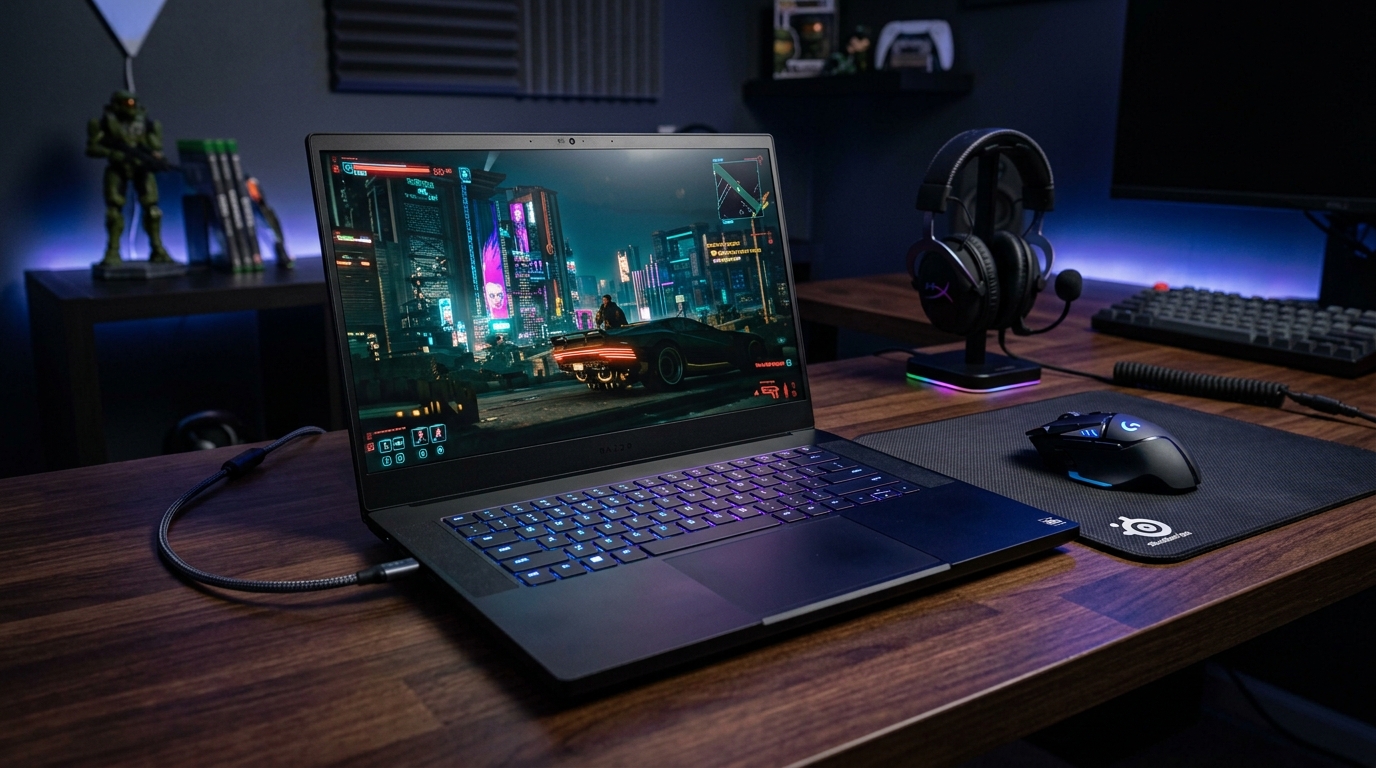
Buying a gaming laptop is one of the most confusing tech purchases you can make. Marketing pages are full of buzzwords — “ultimate performance,” “esports ready,” “RGB everything” — but very few of them tell you what actually matters when you sit down to play. This guide breaks down gaming laptops the way an expert adviser would: by real specs, real trade-offs, and real use cases, not hype.
Why Gaming Laptop Buying Guides Get It Wrong
Most “top 10 gaming laptop” articles are recycled affiliate lists. They rank based on price commissions, not performance-per-rupee or performance-per-dollar. A true expert adviser approach starts from your actual needs:
- What games or workloads will you run (AAA titles, esports titles, streaming, or a mix)?
- What resolution and refresh rate do you actually need?
- How much are you willing to spend on cooling and battery life versus raw power?
- Will the laptop travel with you, or mostly sit on a desk?
Answering these four questions first eliminates 80% of irrelevant options before you even look at a spec sheet.
1. GPU: The Single Most Important Spec
The graphics processing unit determines your frame rates more than almost anything else.
- 1080p esports gaming (Valorant, CS2, League of Legends): A mid-range GPU is plenty. You don’t need to overspend here — high refresh rates (144Hz–240Hz) matter more than raw GPU power at this tier.
- 1080p/1440p AAA gaming: You want a solidly mid-to-upper-tier discrete GPU with enough VRAM (8GB minimum, ideally 12GB+) to avoid stutter in newer titles.
- 1440p/4K or ray-traced gaming: You need a high-end GPU with strong ray-tracing performance and ample VRAM (12–16GB). At this tier, cooling and power delivery matter as much as the chip itself, since laptop GPUs are often power-limited compared to their desktop counterparts.
Expert tip: Always check the actual wattage (TGP) a laptop allows its GPU to run at. Two laptops with the “same” GPU model can perform very differently if one allows 140W and another caps it at 80W.
2. CPU: Don’t Overpay, Don’t Underspec
For gaming specifically, a mid-range modern CPU paired with a strong GPU will usually outperform a top-tier CPU paired with a weaker GPU. That said, if you also do video editing, streaming, or heavy multitasking alongside gaming, prioritize a CPU with more cores and better sustained performance.
3. Display: The Spec Most Buyers Ignore
A powerful GPU is wasted on a poor screen. Look for:
- Refresh rate: 144Hz minimum for competitive gaming; 165–240Hz for esports-focused players.
- Panel type: IPS panels offer better color and viewing angles; some higher-end laptops now use OLED or mini-LED for deeper contrast, which also helps in darker games.
- Response time: Lower is better (aim for under 5ms) to reduce motion blur and ghosting.
- Resolution match: Don’t buy a 4K display if your GPU can’t consistently push high frame rates at that resolution — you’ll either lower settings constantly or run below the display’s potential.
4. Cooling and Build Quality
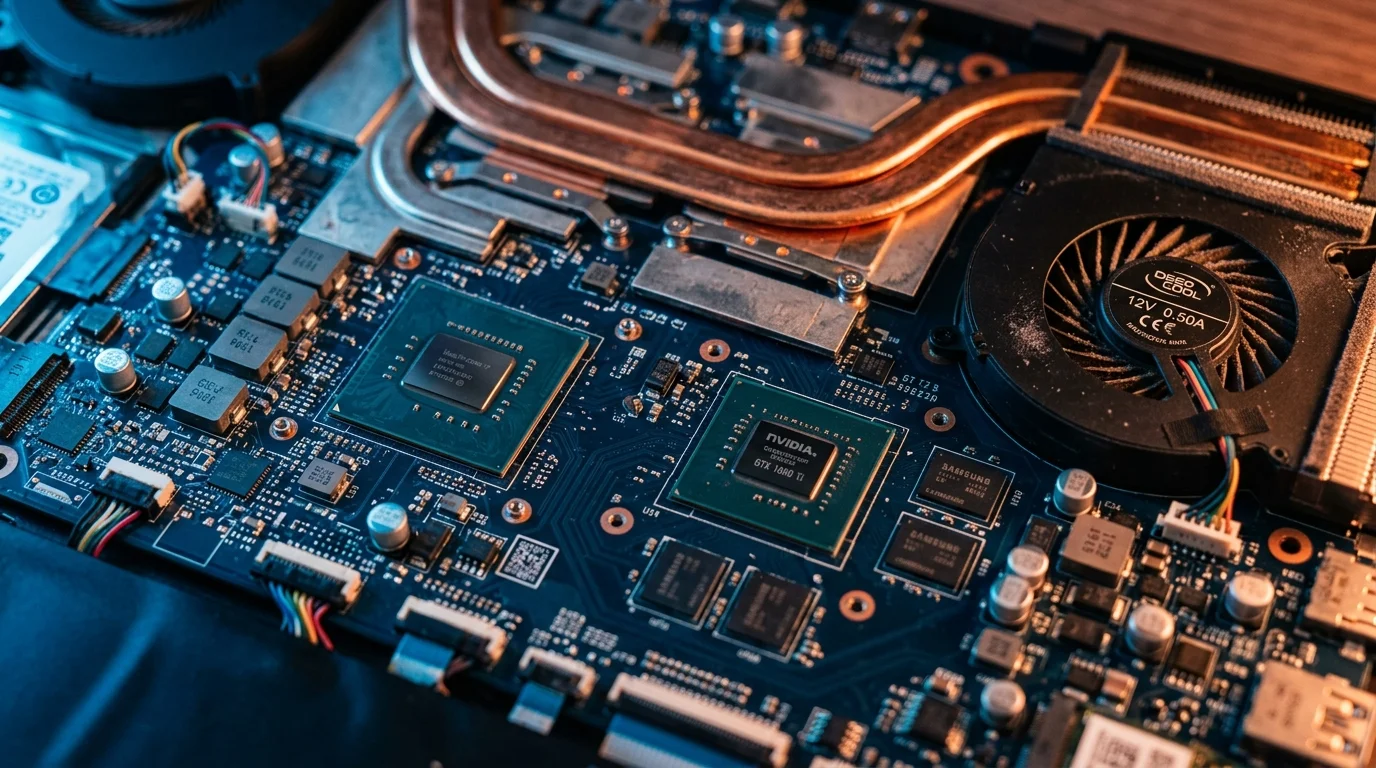
This is where cheaper gaming laptops fail. Thin, “sleek” designs often can’t dissipate heat well, which forces the CPU and GPU to throttle down mid-game, tanking your frame rates after 20–30 minutes of play. Look for:
- Multiple heat pipes and dual/triple fan setups
- Vapor chamber cooling on higher-end models
- Reviews or benchmarks that specifically test sustained performance, not just peak benchmark scores
A laptop that scores well in a 5-minute benchmark but throttles hard in a 1-hour gaming session is a worse buy than a slightly weaker laptop that holds its performance steady.
5. RAM, Storage, and Upgradeability
- RAM: 16GB is the current realistic minimum for gaming in 2026; 32GB is worth it if you multitask, stream, or run demanding creative apps alongside games.
- Storage: A fast NVMe SSD (at least 512GB, ideally 1TB) is essential — game install sizes have grown significantly, and load times depend heavily on drive speed.
- Upgradeability: Check whether RAM and storage are user-upgradeable. Many thinner gaming laptops solder RAM directly to the motherboard, which limits future upgrades.
6. Battery Life and Portability
Gaming laptops are notoriously bad on battery when actually gaming (expect 1.5–3 hours under load, regardless of marketing claims). If portability matters to you:
- Look at battery life for light tasks (browsing, writing), not gaming, since that’s when you’ll actually be unplugged.
- Check weight and thickness — high-performance cooling usually means a heavier, thicker chassis.
- Consider whether you need a laptop at all versus a desktop plus a lighter secondary laptop, if raw performance-per-dollar is your priority.

7. Budget Tiers: What to Realistically Expect
- Entry-level (esports-focused): Solid 1080p performance at 144Hz+ on competitive titles; AAA games will need lowered settings.
- Mid-range: Comfortable 1080p ultra or 1440p high settings in most AAA titles, decent ray-tracing performance in select games.
- High-end: Strong 1440p or 4K performance, ray tracing enabled in most titles, better cooling and displays across the board.
Price-to-performance rarely scales linearly — the jump from entry-level to mid-range usually gives you the biggest performance gain per dollar spent. The jump from mid-range to high-end often costs disproportionately more for smaller gains, unless you specifically need 4K or heavy ray-tracing performance.
Final Verdict: How to Actually Decide
- Set your budget first — this defines your realistic tier.
- Decide your target resolution and refresh rate based on the games you actually play.
- Prioritize GPU wattage/TGP and cooling over brand names or RGB lighting.
- Check sustained performance benchmarks, not just peak scores.
- Confirm RAM/storage are sufficient — or upgradeable — for your needs over the next 2–3 years.
A gaming laptop bought with this approach will serve you far better than one picked off a “Top 10” list ranked by affiliate commissions. Real information beats marketing every time — and that’s the whole point of an expert adviser approach to buying tech.

I’m Muhammad Ubaid, founder of YBR Magazine. I research and write detailed guides on America’s National Parks — covering entry fees, permits, best times to visit, and planning tips — using official NPS sources and up-to-date information.