
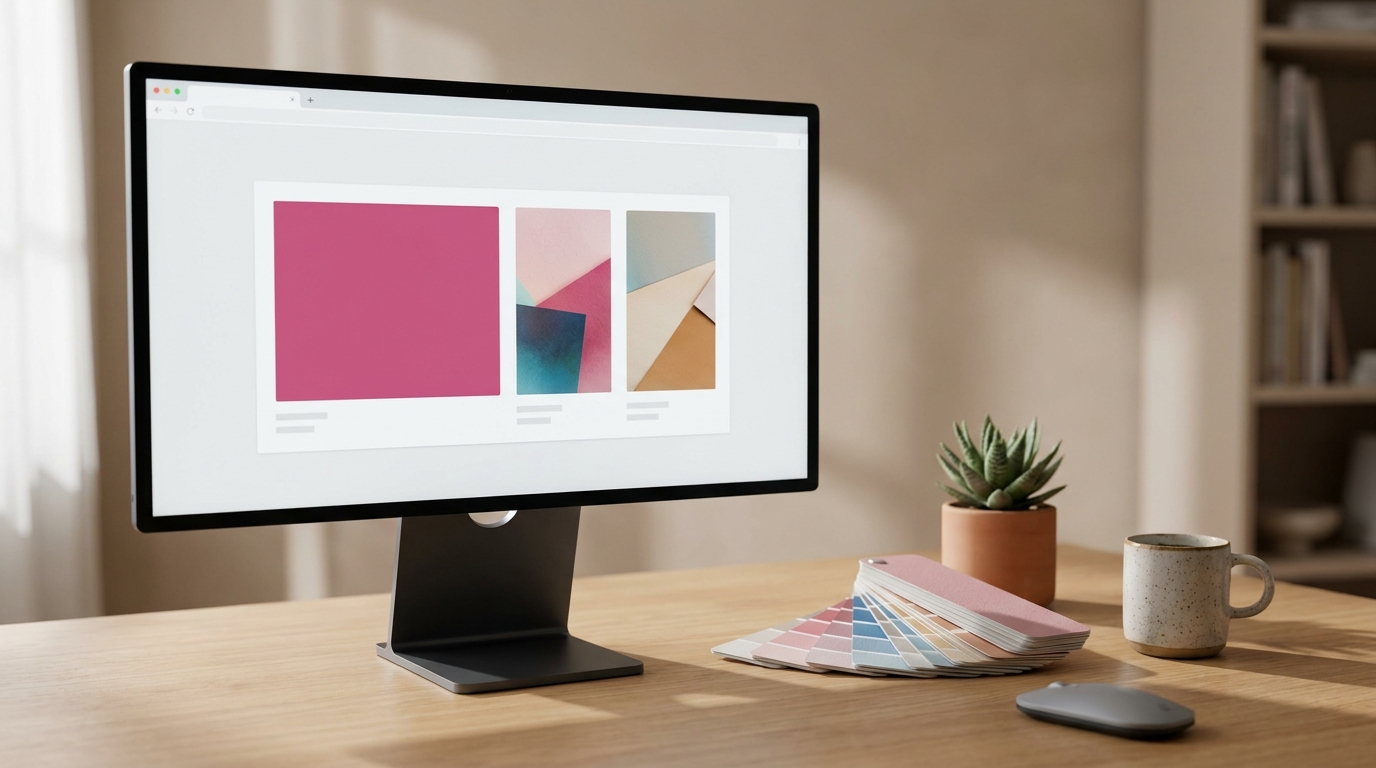
Fonvira is a small, free web tool that turns any color you pick into matching HEX, RGB and HSL values, with a live preview and a one-click copy button. It is aimed at designers, front-end developers, students and anyone who has needed a color code in a hurry without opening a heavy design app. This guide explains what the tool does, how the three color formats differ, how to keep text readable on the colors you choose, what its published privacy and usage terms say, and which details about the project are not publicly confirmed.
Quick Facts
| Detail | What is publicly stated |
|---|---|
| What it is | A browser-based color picker and format converter |
| Outputs | HEX, RGB and HSL values with a live preview and copy buttons |
| Price | Free, with no sign-up or stated usage limits |
| Official site | fonvira.com |
| Privacy policy date | Last updated June 22, 2026 |
| Owner, founder, launch date | Not publicly stated |
| Separate app or extension | None found |
How Fonvira Works Step by Step
The tool is built around three simple actions:
- Choose a color with the picker, or paste a HEX code into the input field.
- Read the matching RGB and HSL values, which appear straight away beside a live preview swatch without any reload.
- Press the copy button next to the format you need and paste it into a stylesheet, a design file or a code editor.
The page opens with a pink sample color already loaded, so you can see all three formats before touching anything. According to its About page, the project exists because finding the right HEX-to-RGB value in the middle of a design task should take about a second, and the site describes itself as a focused utility with no pop-ups, forced sign-ups or clutter. That narrow scope is what separates it from full design suites: there is no canvas, no project file and nothing to learn before you start.
HEX, RGB and HSL: Which Format Should You Copy?
Colors on the web can be written in several ways, and the right one depends on where you are pasting it. The three formats shown by the tool describe the same colors in different styles, so choosing between them is mostly a matter of what your software expects.
HEX
A HEX code such as #2563EB is a six-digit value written in base 16 and split into three pairs for red, green and blue. Each pair runs from 00 to FF, which equals 0 to 255 in everyday numbers, so 25, 63 and EB convert to 37, 99 and 235. This compact form is the default in most CSS and design files, which makes it the safest format to copy first.
RGB
RGB writes the same three channels as decimal numbers, for example rgb(37, 99, 235). It reads easily inside code and is the style that canvas drawing and many scripting tasks expect. Because HEX and RGB are two spellings of one value, converting between them never changes the color.
HSL
HSL describes color the way people tend to think about it: hue is a position on the color wheel from 0 to 360 degrees, saturation is how vivid the color is, and lightness is how close it sits to black or white. It is the most comfortable format for building hover and active states, because you can raise or lower the lightness by a few percent while keeping the same hue. HSL values are usually rounded to whole numbers, so two tools can differ by a point or so, which is one reason to compare outputs when exact brand matching matters.
Keeping Text Readable on Your Chosen Color

Choosing a color is only half of the job, because the text placed on top of it has to be readable. The W3C’s Web Content Accessibility Guidelines, under success criterion 1.4.3 at Level AA, call for a contrast ratio of at least 4.5:1 for normal text and 3:1 for large text. Large text means roughly 18 point (24 CSS pixels) or 14 point bold (about 18.66 pixels), a threshold that some summaries, including the tool’s own page, round up to 19 pixels. Light gray text on a white background is the classic failure, since it looks refined on a big monitor and becomes hard to read on a phone outdoors.
Parts of an interface that are not text matter as well. Under criterion 1.4.11, icons, focus indicators and input borders need at least 3:1 against the colors next to them, so a pale outline on a white form field can fail even when the labels pass.
The homepage presents the tool as a way to check a color before it ships, yet the public page shows only the picker and the three value outputs, with no ratio calculator visible. A practical workflow is to copy the HEX codes of your text and background and run them through a dedicated contrast checker before you finalize a design. The site’s own tips are sensible companions to that step: keep a small palette of one or two accents plus neutrals, soften pure black text with a very dark gray, and store brand HEX codes in one central place so every page uses identical values.
Is Fonvira Private and Free to Use?

According to its privacy policy, last updated on June 22, 2026, the tool works fully client-side, meaning the colors and values you generate stay on your device and are not sent to or stored on its servers. No account or personal information is required. The policy states that no advertising or tracking cookies are set, although the Cloudflare network that delivers the site may set strictly necessary security cookies, and the hosting provider may keep anonymous, aggregated request logs such as page views and approximate region.
Two third-party touchpoints are disclosed. The page loads its typeface from Google Fonts, so your browser contacts Google’s servers and your IP address is visible to them, and messages sent through the contact form pass through a form provider called FormSubmit. The service is not directed at children under 13. For a color converter these details carry little risk, since nothing sensitive is typed into it, but they are worth knowing if you are strict about third-party requests.
The terms of service allow use for personal and commercial purposes and state that the output generated from your own input is yours to use. They prohibit unlawful use, attempts to disrupt or overload the service, reverse-engineering, and scraping or republishing the site in a way that passes it off as your own. The operators also limit their liability for indirect or consequential damages, which is standard wording for free web tools.
Where the Tool Fits and Where It Stops
This kind of utility works best for quick jobs, such as converting a brand HEX code to RGB for a script, finding an HSL value to build a lighter hover color, or grabbing a code during a design review. Browser developer tools and design apps also include color pickers, so the appeal here is simplicity rather than exclusive features, and Fonvira suits people who want a single clean page for this one task.
Several features common in larger color tools are not mentioned on the pages reviewed, including saving palettes, an on-screen eyedropper, entering RGB or HSL values directly, alpha-channel controls, CMYK output for print, and color-blind simulation. Absence from the page does not prove the tool lacks them, but it does mean you should test it against your own needs before depending on it.
Similar Names You May Run Into
A few look-alike names can cause confusion in search results. Fovira, spelled without the “n,” is listed by business directories as a mobile sales CRM app for small businesses based in Bengaluru, India. Foivir is a brand of favipiravir antiviral tablets made by Intas Pharmaceuticals, according to an Apollo Pharmacy listing; it has no apparent connection to the color tool, and anyone with questions about a medicine should ask a doctor or pharmacist. Fonvivienda is Colombia’s national housing fund, created by Decree 555 of 2003.
What Is Not Publicly Confirmed About Fonvira
Searching for Fonvira returns very little beyond the site itself, and many of the results are unrelated names. No independent reviews, press coverage, app-store listings or user statistics turned up, so any claim about its popularity or long-term reliability would be guesswork. The About page refers to the people who build it but does not name them, and no company name, location or launch date is given. The June 2026 privacy date and a 2026 copyright notice suggest a recent site, but that is an inference rather than a stated fact. Whether the project is open source, whether it works offline, and how often it is updated are also unconfirmed.
One detail is worth checking yourself. The homepage’s static sample shows rgb(219, 39, 119) alongside hsl(330, 73%, 51%), while a standard RGB-to-HSL calculation gives about hsl(333, 71%, 51%) for that color. The page’s blue example is listed as hsl(222, 83%, 53%) and calculates to about 221 degrees, which is a rounding-sized difference, but the pink gap is larger than rounding alone would explain. It may simply be placeholder text written before the script runs, and the live converter’s output could not be verified here, so test a color you already know in a second tool before relying on HSL values for brand-critical work.
Frequently Asked Questions
Does Fonvira work on phones and tablets?
Yes. The About page says it works on desktop or mobile directly in the browser with nothing to install, so a phone or tablet with a modern browser should be enough.
How do I add transparency to a color I picked?
Take the RGB values and add a fourth number between 0 and 1, as in rgba(37, 99, 235, 0.5) for 50% opacity. Modern CSS also accepts an eight-digit HEX form, where the last two digits set the opacity, so 80 is roughly 50%.
Can I paste an RGB or HSL value instead of HEX?
The homepage only says you can pick a color or paste a HEX value, so direct RGB or HSL input is not confirmed. If you only have RGB numbers, convert each one to two hexadecimal digits and join them to make a HEX code.
What is the stricter WCAG contrast level?
Level AAA asks for 7:1 for normal text and 4.5:1 for large text. Level AA is the usual baseline for accessibility regulations, so AAA is best treated as a goal for body text where your brand colors allow it.
Why does a copied color look different on another screen or in print?
HEX, RGB and HSL describe colors for screens, and displays vary in calibration, brightness and color profile. Printers use ink-based CMYK, which cannot reproduce every bright screen shade, so a vivid blue or pink may print duller; ask your printer for a proof if the match matters.
How can I report a bug or suggest a feature?
Use the contact page or the email address on the About page. The site says questions, bug reports and suggestions are welcome and that the tool is improved over time based on feedback.
Conclusion
Fonvira is a sensible bookmark for quick color conversions, as long as your expectations match its narrow scope. Because independent information about the project is still thin, the best approach is to try it with a few colors you already know, and to keep the contrast check as a separate final step before any design goes live.
Disclaimer
This article is for general information only and is based on publicly available pages reviewed on October 24, 2026. The tool’s features, terms and privacy practices may change, and the author is not affiliated with the site. Verify color values and accessibility results with your own tools, and consult a qualified professional if you need to meet a specific legal or compliance accessibility requirement.
Explore More

I’m Muhammad Ubaid, founder of YBR Magazine. I research and write detailed guides on America’s National Parks — covering entry fees, permits, best times to visit, and planning tips — using official NPS sources and up-to-date information.