


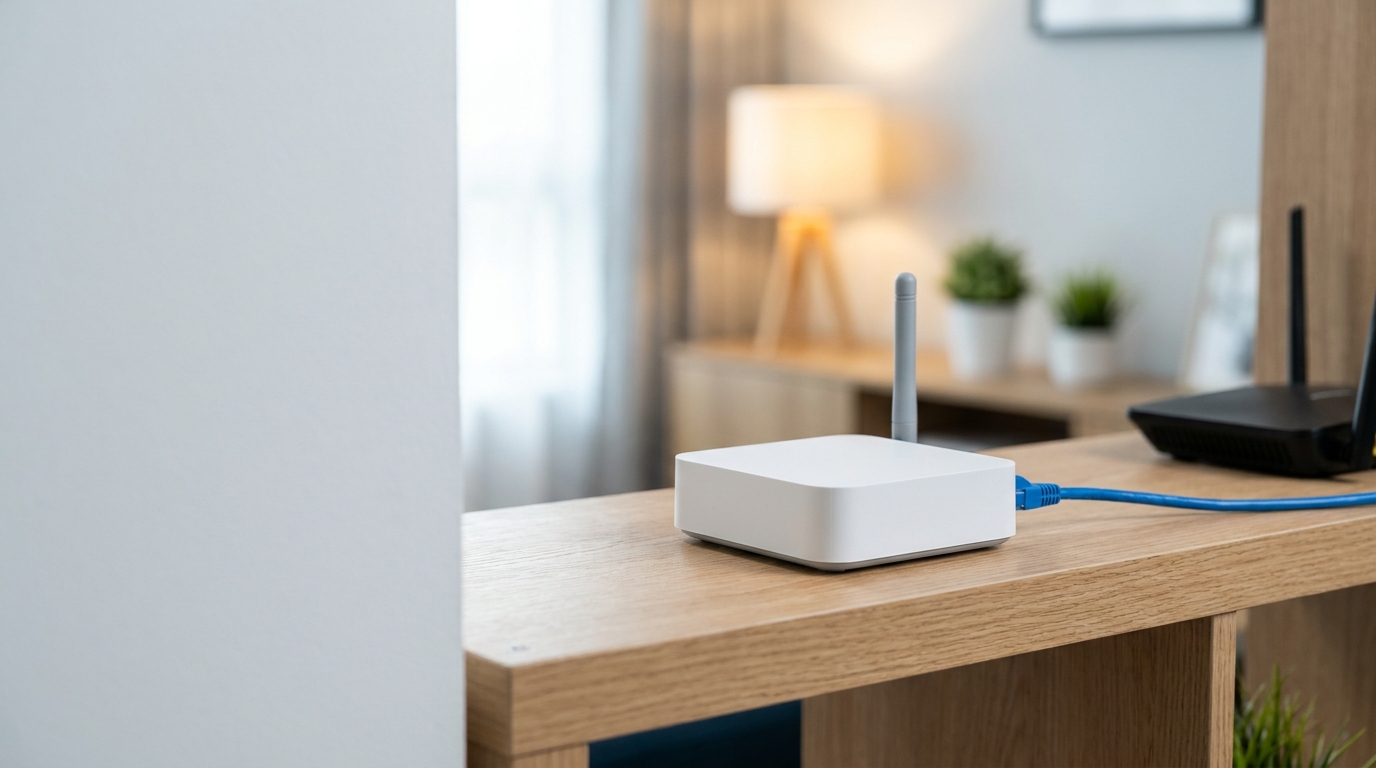
The Home Center Lite is a small Z-Wave smart home hub made by Fibaro, and it still works as a local controller for lights, sensors, heating and scenes. What has changed is its place in the range: Fibaro’s newer Home Center 3 line has taken over, the Lite’s last firmware appears to be 4.630, and most of the advice you will find online comes from a time when this hub was current. If you already own one, it can keep running, but you should know its limits. If you are thinking of buying one today, the details below matter more than the product page suggests.
What the Home Center Lite is and what it controls
Fibaro describes the hub as a small gateway that manages a whole smart home system through a simplified interface. It was built using solutions taken from the larger Home Center 2, which is why it uses the same family of scene tools, plugins and device drivers. You build automations with a visual builder rather than by writing code, and you can control the system through Fibaro’s mobile app, through voice assistants such as Google Assistant, Amazon Alexa and Apple Siri, or through a messenger-style interface. Fibaro also says that software extensions add drivers for smart TVs, IP cameras and other third-party devices, so the hub is not limited to Fibaro’s own modules.
Communication with sensors and switches happens over Z-Wave, a low-power mesh radio standard. That matters in practice because every mains-powered Z-Wave device you add can relay signals for others, so the network grows stronger as you add modules. The hub itself connects to your router by cable, which means it has to sit near the router unless you run a longer Ethernet line.
Specs that are confirmed, and numbers that conflict
Product pages for this hub disagree with each other on several figures, so the table below separates what matches across the manual and multiple sellers from what does not.
| Item | What sources show |
|---|---|
| Size | 90 × 90 × 33 mm, consistent across the manual and retailers |
| Power | 9–12 V DC adapter supplied in the box |
| Network | One RJ-45 Ethernet port; one copy of the manual lists 10/100 Mbps, another lists gigabit |
| Operating temperature | 10–40 °C, indoor use only |
| Processor | ARM Cortex-A8, quoted by retailers at 720 MHz |
| Memory | Retailers disagree: 128 MB in some listings, 512 MB in others |
| Radio range | Quoted as 30 m by one seller and about 50 m indoors by another |
| Device capacity | Up to 230 Z-Wave devices in Fibaro-linked listings; one Dutch retailer says 130 |
Treat the capacity figure as a marketing ceiling rather than a promise. A hub that is stretched to its limit tends to behave worse than one running a modest setup, and owner reports of instability, mentioned later, make that a sensible caution.

Firmware, updates and the 2020 security findings
The newest firmware I could confirm is 4.630, announced in a changelog thread posted by Fibaro staff. It added support for the HTTPS protocol, stability fixes, and extra Z-Wave device support borrowed from Home Center 3. Fibaro has not published an official end-of-life notice that I could find. Community members describe the hub as end-of-life, and a Slovak reseller wrote that only patches and fixes are planned for it rather than new features, but neither is an official statement, so read them as informed opinion.
Security is the part worth understanding properly. ESET’s IoT research team tested firmware 4.170 and found several problems. The hub did not check certificates on some encrypted connections to Fibaro’s cloud, which let the researchers build a man-in-the-middle server and open an SSH backdoor. They also found a root password hard-coded into the firmware, and a weather request that revealed the device’s GPS coordinates over unencrypted HTTP. ESET reported the issues to Fibaro on 21 August 2018, and Fibaro released a fix on 30 August 2018 that covered most of them, except a fixed string still used when hashing passwords. ESET published the full research in April 2020.
The practical lesson is simple. Make sure the hub runs the latest firmware, do not expose it directly to the internet with port forwarding, and use Fibaro’s remote access service or a VPN instead. A second-hand unit that has never been updated could still be running a version from before those fixes.
Setting it up for the first time
Setup takes about ten minutes. Screw the antenna on by turning the mounting screw clockwise, connect the Ethernet cable from the hub to your router, plug in the power adapter, and press the power button briefly. The hub is ready within seconds and is set to DHCP by default, so your router assigns it an address. To find that address, install Fibaro’s Finder application, press refresh, select the hub and connect. The login panel then asks for a language and credentials, and the manual lists an admin account as the factory default, which you should change straight away.
Remote access needs a FIBARO ID account created at home.fibaro.com. One owner on the Fibaro forum reported that a unit bought brand new came with firmware 4.150, so expect to update after the first login. Updates are offered when the hub can reach the internet and is registered to a FIBARO ID, which is why people who skip that step often find no update prompt.

Home Center Lite or Home Center 3 Lite: what actually differs
The names are close enough that many buyers confuse the two, and some online articles treat them as the same device. They are not. The Home Center 3 Lite runs the newer Home Center 3 software, uses a 700-series Z-Wave chip, adds Wi-Fi, and has a 900 MHz single-core ARM Cortex-A7 processor with 512 MB of RAM and 4 GB of flash storage. Fibaro recommends it for apartments and houses up to about 100 square metres, with up to 40 Z-Wave devices. It can also join a Home Center 3 only as a slave gateway, never as the master.
The older Lite’s 230-device claim and the newer one’s 40-device recommendation look contradictory, but they are different kinds of numbers: one is a maximum from marketing material, the other is a sizing guide. Several retailers now list the Home Center 3 Lite as discontinued or no longer available, although Fibaro’s own site still showed it when I checked, so availability varies by country. For someone starting fresh, the newer model has the longer software future. For someone who already owns an HCL with a working setup, there is no urgent reason to move.
Moving from the HCL to Home Center 3
Fibaro documents a migration route, and it comes with conditions. Both gateways must be added to the same FIBARO ID account, the Lite must run version 4.581 or higher, and the Home Center 3 must run 5.021 or higher. Because the Lite is not flagged as a migration source by default, you first have to ask Fibaro support to mark it as an “artificial donor”, then use the Transfer Configuration option at home.fibaro.com. Fibaro’s manual says rooms, sections, icons, Z-Wave devices with their parameters, cameras that were not created through plugins, and associations are transferred. Thermostats come across but are queued for reconfiguration with new IDs. The old hub is left in a read-only state afterwards, and if a transfer fails Fibaro tells users to contact support rather than repeat it.
Scenes are not in that official list, even though one reseller’s migration guide implies that they move too. Plan to rebuild block scenes and virtual devices by hand and treat anything that carries over as a bonus.

Problems owners report most often
Loss of remote access is the most common complaint. On 8 February 2025, forum posts described Fibaro’s cloud failing, with remote access broken while local access through the IP address kept working; some users said it recovered after restarts. A separate forum thread describes an owner who lost remote access after changing the hub’s time manually, and who fixed it by switching back to network time and rebooting.
Another recurring report concerns the clock. Owners on a review aggregator say the hub forgets the date and time after a power cut, and one forum member revived a dead unit by replacing its internal battery, which points to a small battery that wears out in older units. Whether that is the cause in every case is not confirmed. If you buy a used hub, also ask the seller to remove it from their FIBARO ID account, because the new owner cannot register it until that happens and Fibaro’s support route for unlocking it has drawn complaints.
Buying a used unit or switching to something else
New stock is scarce. One Dutch retailer lists the hub as never available again, and the listings I found for new units ranged from under £50 to nearly €280, which is a reminder to check the seller carefully before paying. A used unit makes sense only if it is cheap, comes unlinked from its previous owner, and you plan to use it for a modest Z-Wave network.
If you want to keep your Z-Wave devices but move beyond Fibaro’s ecosystem, Home Assistant lists the Home Center Lite among supported Fibaro hubs and connects to it locally. That lets the old unit keep serving as a Z-Wave gateway while automations run elsewhere. A newer Fibaro hub, a Z-Wave USB stick, or a different controller also works, but re-pairing devices is usually needed.
Final verdict on the Home Center Lite
The Home Center Lite is a compact, easy-to-learn hub that suits small Z-Wave setups and people who like building automations visually. Its age shows in the security history, the apparent end of firmware updates, the cloud-dependent remote access and the limited stock. Keep it if it works for you, update it, and keep it off the open internet. If you are starting from scratch, a newer hub gives you more years of support for roughly the same effort.
EXPLORE MORE: Home Information Pack: Is It Still Required, and What Replaced It?

I’m Muhammad Ubaid, founder of YBR Magazine. I research and write detailed guides on America’s National Parks — covering entry fees, permits, best times to visit, and planning tips — using official NPS sources and up-to-date information.

