


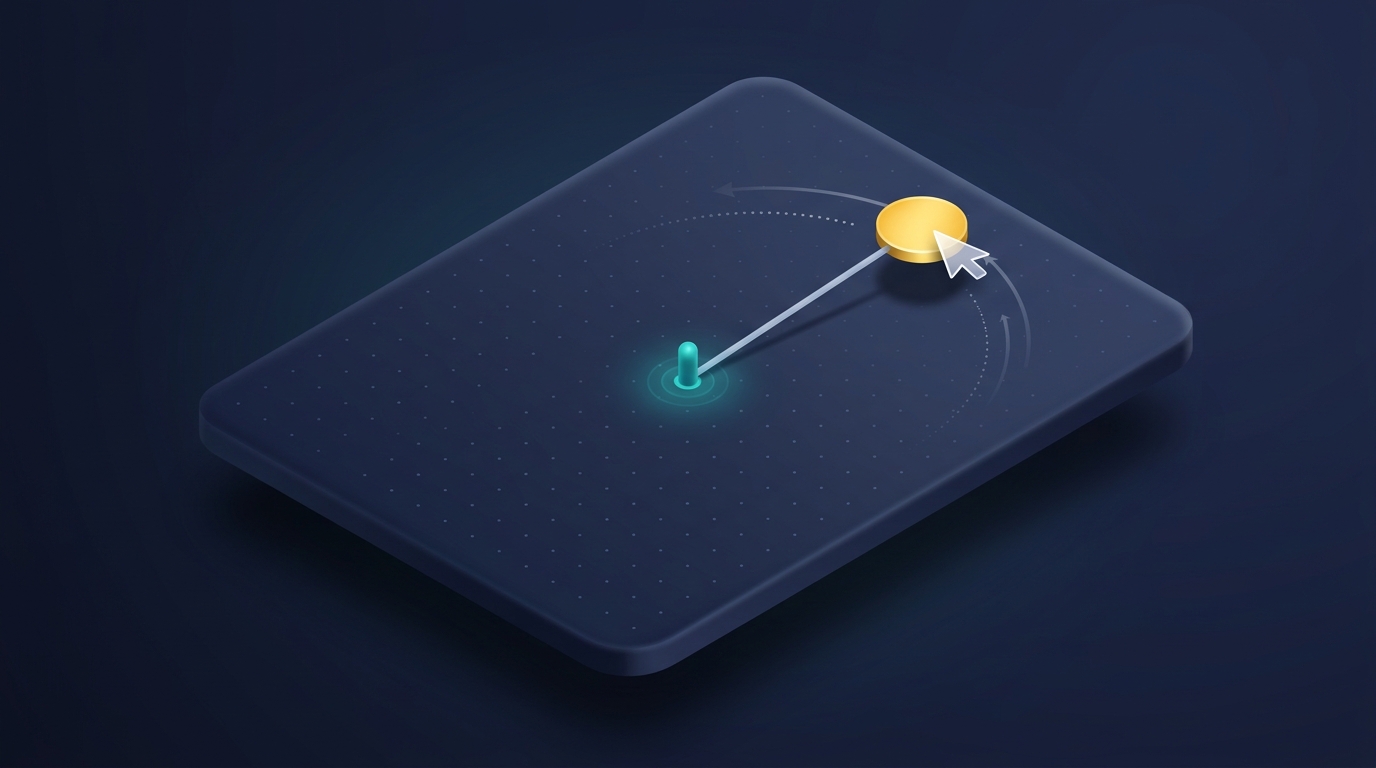
If you searched for leash codehs answers, you are most likely stuck on a small graphics exercise in which a circle follows your mouse and a line stretches from a fixed point to that circle, like a leash on a dog. The program is short, but it combines three ideas that beginners often meet for the first time together: creating graphics objects, reacting to mouse movement, and changing an existing object instead of drawing a new one. This guide explains each of those ideas, shows where students usually go wrong, and gives you enough to finish the exercise without handing you a block of code to paste.
Which Leash exercise do you have?
The first thing worth knowing is that “Leash” is not one single assignment number. CodeHS’s public outline for one JavaScript course lists three Leash exercises under a lesson called Drawing Lines, numbered 7.7.1, 7.7.2 and 7.7.3, right after a lesson on the mouse-moved event. A different CodeHS course outline places a single exercise called Leash at 4.7.4, again directly after a Drawing Lines lesson. Several third-party pages call it 9.7.4, but we could not find an official CodeHS page that confirms that number, so treat it as a label your own course may or may not use.
This matters because the exact wording, the starting code, and the checks your assignment runs can differ between courses and even between a teacher’s custom copies. Always read the instructions shown beside your editor first. Some pages online also describe a different, class-based version with a Dog object, which belongs to a separate object-oriented lesson and is not the mouse-and-line graphics task described here.
The idea behind the exercise in plain words
The graphics version asks for two shapes that move together. One is a circle that sits where your mouse pointer is. The other is a line whose start is pinned to a fixed spot, usually the middle of the canvas, and whose far end follows the circle. When you move the mouse, the circle jumps to the pointer and the line stretches or shrinks so it always connects the pinned spot to the circle.
Seen that way, the exercise has only two jobs. In your setup code you create the circle and the line once and add them to the canvas. In a function that runs every time the mouse moves, you read the pointer’s current position and give that position to both shapes. Nothing else needs to happen, and there is no loop and no need to draw anything again.
The three CodeHS tools you need
CodeHS’s JavaScript documentation describes the exact behavior of each tool, and reading it is faster than guessing. For a circle, the position you set is the location of its center, not its top-left corner. For a line, one method changes the starting point and a different method changes only the end point. The line’s end point is the part that should follow the mouse, while the start should stay put.
The third tool is the mouse-move callback. You register a function of your own with the CodeHS mouse-move method, and CodeHS then calls that function each time the pointer moves, passing in an event object. That event object can tell you the pointer’s x and y position through its getX and getY methods. The word to focus on is “register”: you give CodeHS the name of your function and CodeHS decides when to run it.
Mistakes that break most attempts

Most failed submissions come from a short list of causes, and each one has a recognizable symptom.
| What you see | Likely cause | What to check |
|---|---|---|
| Nothing follows the mouse | The function was called instead of registered, for example with parentheses after its name | Pass the function name alone to the mouse-move method |
| A trail of circles fills the screen | A new circle is created inside the mouse function | Create shapes once in setup and only move them afterward |
| The whole leash slides around | The line’s start point was changed along with its end | Update only the end point during movement |
| The circle sits slightly off the pointer | An offset was applied to a position that already refers to the center | Remember a circle’s position is its center |
| The line is missing | It was never added to the canvas, or the variable is only visible inside one function | Add it in setup and declare the variable outside functions |
| An error about an undefined variable | The shape variable was declared inside setup only | Move the declaration to the top of the file |
Pages disagree about the radius offset
While comparing guides, one contradiction stood out. Some pages subtract the circle’s radius from the mouse position before moving the ball, and one even builds a brand-new line and calls the remove-all method on every mouse movement. Other pages say you should pass the pointer’s position straight in. The CodeHS documentation settles the radius question for circles: the position you set is the center, so subtracting the radius would push the circle up and to the left of your cursor. That offset habit appears to come from rectangles, where the position really is the upper-left corner.
Rebuilding everything on each movement can still produce a picture that looks right, which is why some pages present it as normal. It is slower and works against the idea the lesson is trying to teach, which is that graphics objects persist and can be changed. If your course’s autograder is strict about how many shapes exist at the end, the rebuild approach is also the riskier one. We could not review any course’s private checker, so this last point is a reasoned caution rather than a confirmed rule.
A practical way to work through it
Start by getting only the circle to follow the mouse, and ignore the line until that works. Once the circle behaves, add the line in setup, with both of its ends at the canvas center so it begins with no visible length. Then add one more statement to your mouse function that moves the line’s end to the same pointer position. Testing in these small steps tells you which part is failing, which a single large attempt cannot.
When something looks wrong, print the pointer’s x and y values to the console from inside your mouse function. If nothing prints, the function is not registered correctly. If numbers print but the picture does not change, the problem lies in how the shapes are created, added, or referenced. Reading the exact error message in the console, including the line number it names, usually points straight at a misspelled variable or a missing declaration.
Why copying a solution often backfires
Answer pages are tempting, but they carry real risks beyond the learning gap. Many of the pages ranking for this topic are thin, repeat each other, or show code without explaining it, and some are not clearly tied to the course you are taking. A snippet written for one course’s version can fail checks in yours. Teachers also see submission history and can notice code that appears all at once, and CodeHS is used inside school courses where academic honesty policies apply, so the consequences depend on your school and teacher rather than on anything an answer site can promise.
The more useful target is understanding. The same pattern, create objects once and update them from an event, reappears in later CodeHS lessons on keyboard events, animation, and simple games. If you can explain in your own words why the line’s start stays fixed while its end moves, you have done what the exercise was designed to teach, and the next lesson becomes much easier.
Questions students ask
Is there an official answer key for Leash?
CodeHS provides teachers with their own resources through their accounts, but we found no public official answer key, and we could not verify any third-party answer page as authoritative.
Why does my code work in the editor but not pass?
Your assignment may check specific details, such as the starting positions, colors, or sizes named in the instructions. Compare your program against each sentence of the instructions rather than only the picture.
Can I ask my teacher for help instead?
Yes, and bringing a specific symptom from the table above makes the conversation quick and productive.
Does the same logic work in Python?
The idea of registering a mouse-move function and updating existing objects carries over, but method names differ, so use the documentation for the language your course uses.
Final thoughts
The best leash codehs answers are not a snippet but a short chain of reasoning: create a circle and a line once, register one function for mouse movement, and let that function move the circle’s center and the line’s end to the pointer. Confirm which version of the exercise your course gives you, lean on the CodeHS documentation for how each method behaves, and test one piece at a time. That approach solves this exercise and prepares you for the ones that follow.
Explore More
How to Fix xud3.g5-fo9z Python Errors (It Is Not a Real Python Error Code)

I’m Muhammad Ubaid, founder of YBR Magazine. I research and write detailed guides on America’s National Parks — covering entry fees, permits, best times to visit, and planning tips — using official NPS sources and up-to-date information.

