


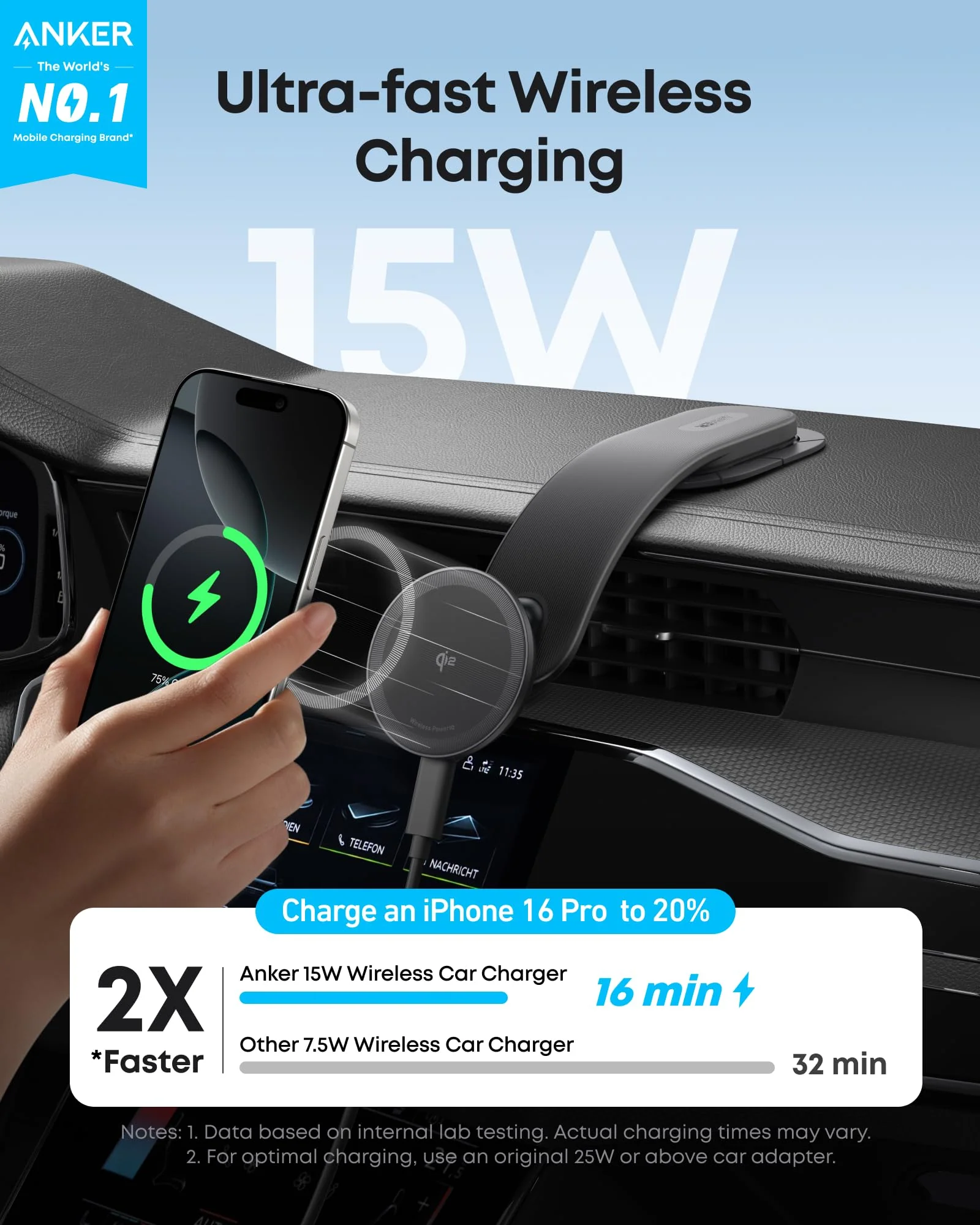
Charging a phone should be one of the simplest parts of the day. Yet a device placed on a wireless charger can sometimes remain stubbornly low on battery, charge more slowly than expected, or become warmer than usual. These frustrations often have less to do with the phone itself and more to do with the charger, its placement, or the way the two devices work together.
A wireless charging pad offers a convenient alternative to repeatedly plugging in a cable. It can keep a bedside table tidy, reduce cable handling, and make short charging sessions easier. However, choosing the right model requires understanding compatibility, charging standards, power requirements, and a few everyday habits that influence performance.
Wireless Charging Depends on Alignment
Unlike a conventional cable, which connects directly to a device’s charging port, a wireless charging pad transfers energy through electromagnetic induction. Coils inside the pad and the phone work together when they are positioned appropriately. This is why placement matters. If a phone sits too far from the charging coil or becomes misaligned, charging may not begin or may become less efficient. Some pads have a larger effective charging area than others, but a phone generally needs to rest in the intended position.
Cases can also affect performance. Many ordinary plastic or silicone cases work without difficulty, while thick cases, metal attachments, magnetic accessories, and certain card holders can interfere with charging. If a phone repeatedly disconnects, remove the case temporarily and check whether the problem disappears. A small change in placement can sometimes solve an issue that initially looks like a hardware failure. Before replacing a charger, confirm that the device is centered correctly and that no accessory is blocking the charging process.
Compatibility Matters More Than Appearance
Wireless chargers are not universally interchangeable in terms of charging speed or supported features. Two pads may look almost identical but provide different power levels, alignment systems, or compatibility with particular devices. When shopping for a Samsung wireless charger, check the specifications for your exact Galaxy phone or other Samsung device. Some models support faster wireless charging than others, and the maximum rate can depend on the phone, charging pad, wall adapter, and software configuration.
A charger advertised with a high wattage will not necessarily deliver that power to every device placed on it. The phone must support the relevant charging standard and power level. Otherwise, it may charge at a lower rate. It is also worth checking whether the product includes the necessary power adapter. Some charging pads are sold without one, meaning an existing adapter may need to be used. If the adapter cannot provide the required input power, charging performance may fall below the product’s advertised capability. Buying according to your actual device model is usually more reliable than choosing based only on appearance or a broad compatibility claim.
Why Charging Speed Can Vary
Wireless charging is convenient, but it can be less energy-efficient than a direct wired connection. Some energy is lost during transfer, and the charging process can produce additional heat. The amount of power delivered also changes as the battery fills. For instance, a phone may charge relatively quickly when its battery is low and slow down as it approaches a high charge level. Temperature management can also reduce charging speed when the device becomes too warm.
The wall adapter is another part of the equation. A pad may support a certain maximum output, but its actual performance depends on receiving sufficient power from a compatible adapter. Using an unsuitable adapter or cable can limit that input. If charging seems unusually slow, check the adapter’s specifications, the cable connection, and the charger’s placement. Also consider what the phone is doing during the session. Gaming, navigation, video streaming, or other demanding tasks can consume power while the phone charges, making the battery percentage rise more slowly.
Keep Heat Under Control
Some warmth during charging is normal. However, excessive heat is worth investigating because prolonged high temperatures can affect battery longevity and may trigger protective charging limits. Place the pad on a stable, well-ventilated surface rather than under bedding or inside an enclosed space. Avoid leaving the phone in direct sunlight while charging, especially near a window or in a parked vehicle.
If the phone becomes noticeably hotter than usual, pause charging and allow it to cool. Check for thick cases, poorly aligned placement, or demanding apps running in the background. Persistent overheating may indicate a problem with the charger, adapter, battery, or device. Use reputable charging equipment and follow the manufacturer’s instructions. A low-cost product with unclear electrical specifications may not provide the same safeguards as equipment from a reliable manufacturer.
Choose a Pad That Fits Your Routine
The best design depends on where you plan to charge. A flat pad can be suitable for a bedside table or desk, where the phone can remain untouched for an extended period. A stand-style wireless charger may be more practical if you regularly check notifications or attend video calls while the phone is charging. If several people in a household use different phones, consider the range of devices that need support. A multi-device charger can reduce clutter, but confirm that its individual charging areas match your devices. A product designed for a phone and earbuds may not include a compatible charging module for a smartwatch.
Durability is worth considering as well when choosing a samsung wireless charger. Look for a stable base, clear status indicators, appropriate temperature protection, and straightforward operating instructions. A detachable cable can be convenient if it needs replacing later. Finally, think about your existing setup. If your phone charges beside your bed every night, convenience and reliable positioning may matter more than portability. For travel, a compact pad with a compatible adapter may be easier to pack.

Simple Habits Can Improve Everyday Performance
Wireless charging requires little effort once the setup is correct, but a few habits help keep it dependable. Keep the charging surface free from dust and small metal objects, position the phone carefully, and inspect the cable and adapter occasionally.
If the phone stops charging unexpectedly, lift it from the pad and reposition it before trying more complicated fixes. Check the power connection and restart the device if needed. If the issue continues, consult the manufacturer’s troubleshooting guidance or test with a compatible charger known to work. These small checks can help distinguish a placement issue from a genuine equipment problem.
Final Thoughts
A wireless charging pad can make daily charging more convenient, but the experience depends on more than the pad itself. Device compatibility, coil alignment, adapter power, heat management, and the surrounding environment all influence performance. Before purchasing a new charger, confirm the requirements of your phone and consider where the pad will be used. With the right combination of equipment and sensible placement, wireless charging can become a reliable part of your everyday routine.
FAQs
1. Can I use a Samsung wireless charger with a phone from another brand?
Some Samsung wireless chargers support other phones that use a compatible wireless charging standard. However, charging speed and additional features may differ, so check the specifications for both devices.
2. Why does my phone charge slowly on a wireless pad?
Possible reasons include limited adapter power, poor alignment, an incompatible charging standard, heat, or heavy phone usage during charging. Check each factor before assuming the pad is faulty.
3. Do I need to remove my phone case before wireless charging?
Not always. Many standard cases work with wireless charging, but thick cases, metal components, and certain accessories can interfere. Test without the case if charging is inconsistent.
4. Is wireless charging bad for a phone battery?
Wireless charging is generally suitable when performed with compatible equipment and sensible temperature management. Excessive heat, rather than the wireless method alone, is an important factor to avoid.
5. Is a wireless charging pad better than a cable?
It depends on your priorities. A pad can reduce cable handling and make placement convenient, while wired charging may offer faster charging or greater efficiency for some device and charger combinations.

I’m Muhammad Ubaid, founder of YBR Magazine. I research and write detailed guides on America’s National Parks — covering entry fees, permits, best times to visit, and planning tips — using official NPS sources and up-to-date information.

