


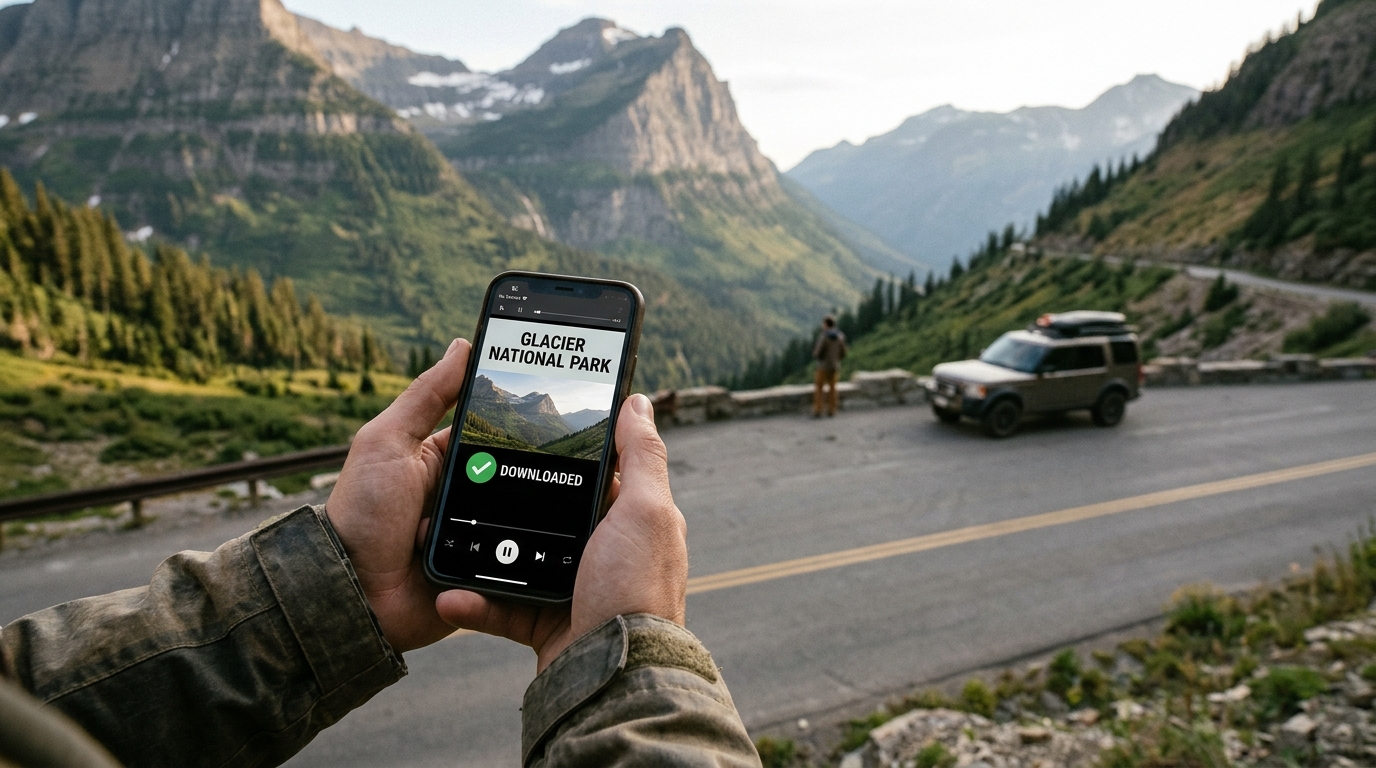
Anyone who has driven into Yellowstone, Big Bend or the back roads of Glacier knows the moment the signal bars disappear. One minute your phone is streaming a ranger talk about geyser basins, and the next it shows a spinning wheel that will not go away for the rest of the day. For most visitors that is part of the charm. But it also means the trail guides, wildlife clips and driving tours you planned to watch on the way are suddenly out of reach.
The simple fix is to save the videos you need before you leave home or while you still have hotel Wi-Fi. Below is a practical way to build a small offline library for your trip, plus a few tips on what is worth saving.
Why offline videos matter in the parks
Large parts of America’s national parks have no cell coverage at all, and that is by design. Towers are kept away from wilderness areas, and canyon walls and mountains block whatever signal does reach the edges. Visitor centers sometimes have Wi-Fi, but it is shared by hundreds of people and is often too slow for video.
Having videos stored on your phone means you can watch a trail preview at the trailhead, show the kids a short clip about bison safety before you reach the Lamar Valley, or follow a self-guided driving tour without worrying about buffering. It also saves battery, because your phone is not constantly searching for a network to stream from.
What is worth saving
- Trail walkthroughs filmed by hikers who show junctions, water sources and tricky sections.
- Official park videos about safety, wildlife distance rules and weather.
- Scenic driving tour guides for roads like Going-to-the-Sun Road or Skyline Drive.
- Short history or geology explainers you can play at overlooks.
- Music or podcasts for long drives between parks.
Keep it focused. Ten well-chosen videos are more useful than fifty you never open, and they take up far less storage.
How to save YouTube videos to your phone
Many of the best park guides live on YouTube, where hikers, rangers and travel channels share detailed footage. If a creator allows it and the video is for your own personal use, a browser-based tool is the easiest way to keep a copy. A free YouTube to MP4 converter works on phones and laptops without installing an app:
- Open the video on YouTube and copy its link from the Share button.
- Paste the link into the converter box and tap Convert.
- Pick the quality you want. 720p is a good balance between sharpness and file size for a phone screen.
- Download the file and check that it plays in your gallery or files app before you leave.
Tools like YTMP4 keep the steps short, which helps when you are packing the night before and trying to save several guides at once.
Audio only for long drives
Not everything needs to be video. Ranger talks, audio tours and nature soundscapes work just as well as sound files, and they use a fraction of the space. If you want to listen on the road, a YouTube to MP3 converter turns a video into an audio file you can play through your car stereo or headphones. This is a great option for long stretches like the drive from Las Vegas to Zion or the loop roads in the Smokies.
Storage and battery tips
- Check free space first. An hour of 720p video takes roughly 500 MB to 1 GB.
- Make a folder or playlist named after the park so everything is in one place.
- Switch your phone to airplane mode in no-signal areas. It stops the battery drain from searching for towers.
- Carry a small power bank, especially on day hikes where you rely on your phone for photos and maps.
- Download offline maps as well, using Google Maps or the official NPS app.
A note on respecting creators
Saved videos should be for your own trip and not reposted elsewhere. Many hikers and small travel channels make their guides for free, so if a video helps you, come back and leave a like or a comment when you are back in range. It keeps those creators making the content that makes trips like this easier.
Final thoughts
National parks are some of the best places in the country to disconnect, and a little preparation lets you enjoy that without losing useful information. Spend twenty minutes before your trip saving trail guides, safety videos and a few audio tours, and you will have everything you need when the signal disappears and the real adventure begins.

I’m Muhammad Ubaid, founder of YBR Magazine. I research and write detailed guides on America’s National Parks — covering entry fees, permits, best times to visit, and planning tips — using official NPS sources and up-to-date information.

