


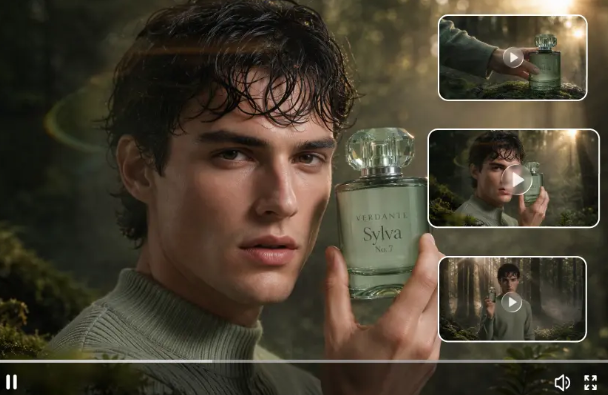
There’s no longer a need to solely rely on traditional filming techniques to come up with fresh new video concepts. A.I. has opened up a whole new realm of potential to produce an image, be it a scene, a character, or a creative idea, from written prompts. Dreamina simplifies this process for consumers who want to make content digitally. Seedance 2.5 Flash and Seedance 2.5 both offer two different workflows for this process – and knowing what each one is here for can help you better determine which to use for your video.
Interest in AI Video Models: Reasons
Video is central to how we communicate these days on websites, social media, ecommerce, and entertainment platforms. Whether describing, sharing, demonstrating, or storytelling, video can show it. But to consistently create video content, there is time in design, on set, and in post-production editing to account for. AI video models are a secondary option to creating videos. They enable you to conceptualize and visualize project concepts without recording the frames.
What Is the Concept of Seedance 2.5 Flash
Seedance 2.5 Flash is set up in a way that speed plays a key role in the generation experience. This will therefore be interesting for authors working on a variety of different ideas. For instance, a digital marketer wanting to generate multiple visual directions for a single campaign. Rather than spending too much time exploring one specific direction and losing potential ideas, faster generation allows for much easier early-stage iteration.
Diving Into The Power of Seedance 2.5
Seedance 2.5: Another option for AI video creation: This tool may be used if you want more focus on your ideas. Seedance 2.5 is suitable when creating content that has a range of visuals, a specific action, or an atmosphere. When creating content with this AI, you may want to craft detailed prompts and analyze the generated content thoroughly. To really gauge how well this will work for your content, try it out.
Models to Fit Your Working Style
Every creator has his own way of working. For a content creator who post several short videos each week a fast workflow may be appreciated, while he will appreciate to take his time on one creative project. Seedance 2.5 Flash emphasizes a faster workflow, and Seedance 2.5 is the alternative. Now there is a reason for the user to think about his working speed before he chooses the model. The best is probably the one that serves the purpose and gives satisfying outcomes.

Create a Video Around One Good Idea
You don’t always need an elaborate idea for a video. A single, good idea can be enough to make something great. For instance, imagine a simple clip of a tiny bookstore on a stormy day, with comfortable lighting and a few shoppers. It’s got a subject, location, and general vibe; you just need to flesh out your prompt with these details and say what’s happening. Going in with one good idea often lets you focus your creativity.
See Presentation of Product in Novel Ways
Visuals are a must for many online companies to promote their products. Instead of just going for simple product shots, some businesses may want to try scenes that show the product’s place in normal life. A watch might be featured in a beautiful office, while a travel bag might be in a scene at an airport. You can bring those ideas to life in the video with AI. Still, make sure that the look is accurate to the product.
Draft Short Films From Creative Ideas
Solo storytellers may be able to go through scenes that could be complex to shoot. You can create a screenplay about a strange train station, an unknown island, or someone who uncovers a secret realm. Every scene can be documented in a different shot. The thing to consider is what your character is going to do, where he is going, and what role this scene is playing for the following scene. This allows you to create an innovative project without starting from a typical filmmaking process.
Final Thoughts
What are the differences between Seedance 2.5 and Seedance 2.5 Flash? There are two ways to produce videos using artificial intelligence. You can generate videos quickly and easily with Seedance 2.5 Flash, or take more time with the standard Seedance 2.5 model. While Seedance 2.5 Flash is worth trying out for a quick and easy-to-use video creation process, the standard Seedance 2.5 model has a different use case to explore. Whether you want to promote a business, have fun, or create educational videos, these are two ways to get a video made, and the perfect one to use depends on your goals.
FAQs
1. What is Seedance 2.5 Flash primarily intended for?
A fast-paced AI video generation architecture that enables users to test creative ideas through a rapid workflow.
2. What type of content can Seedance 2.5 generate?
The user can browse through various types of videos such as: myth, promo, educational, character, etc.
3. What is the difference between Seedance 2.5 Flash and Seedance 2.5?
Flash, which is built for speed, and a regular version, which provides a different workflow for creating video content.


